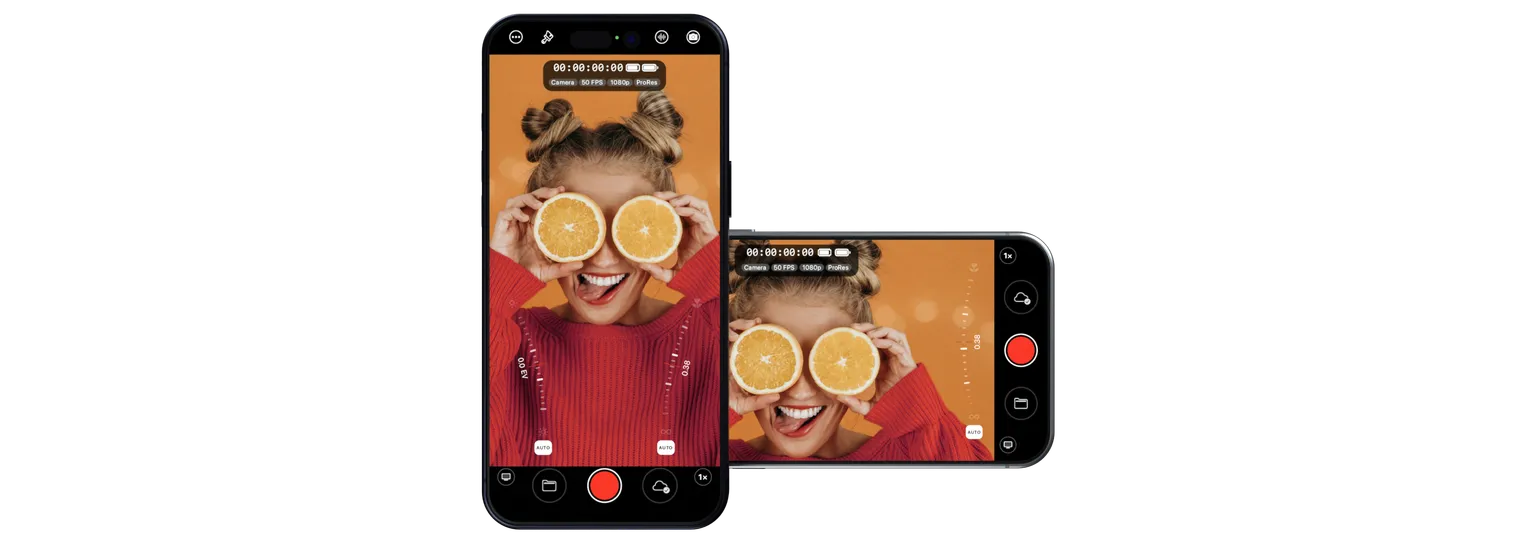

Mavis Camera: Pro Capture
The ultimate
iPhone Camera app.
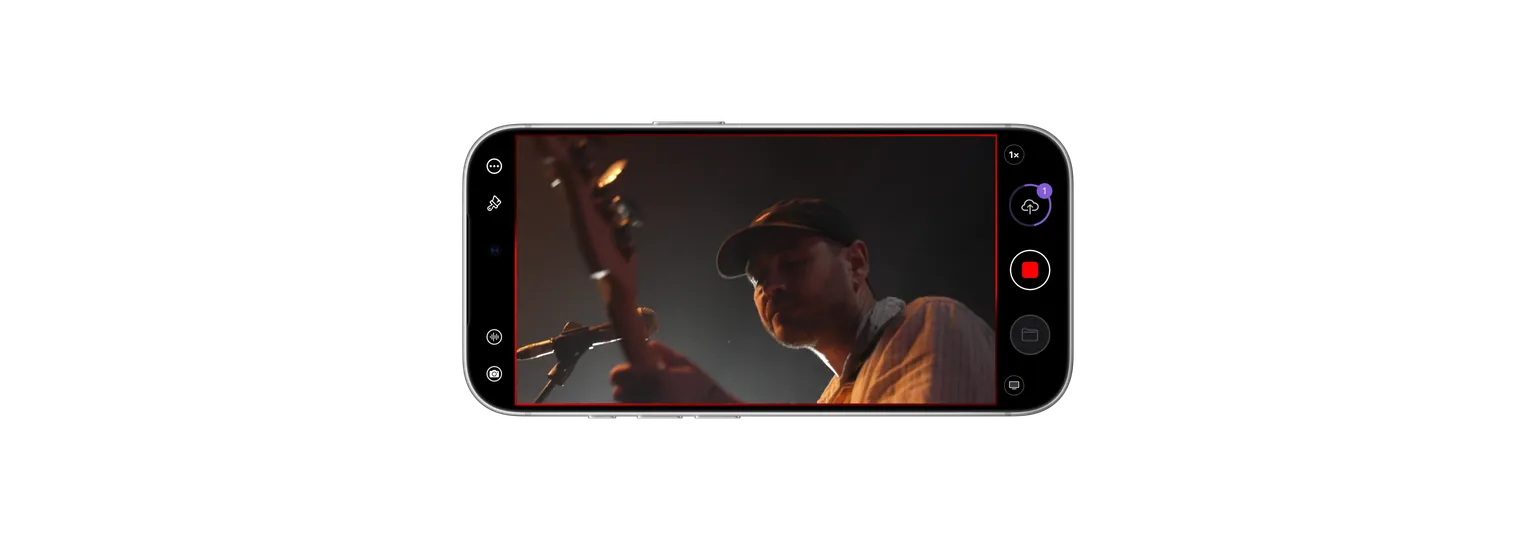
Take control of your shot. Shape your image, capture your audio and record with the look you want. Stream the action live or get footage to your team while you shoot. From independent filmmaking to live events, put professional capture and connected production in your pocket.
Highlights
One camera.
Every production.
From cinematic capture to live broadcast, Mavis Camera powers your iPhone with the tools of a professional production system.
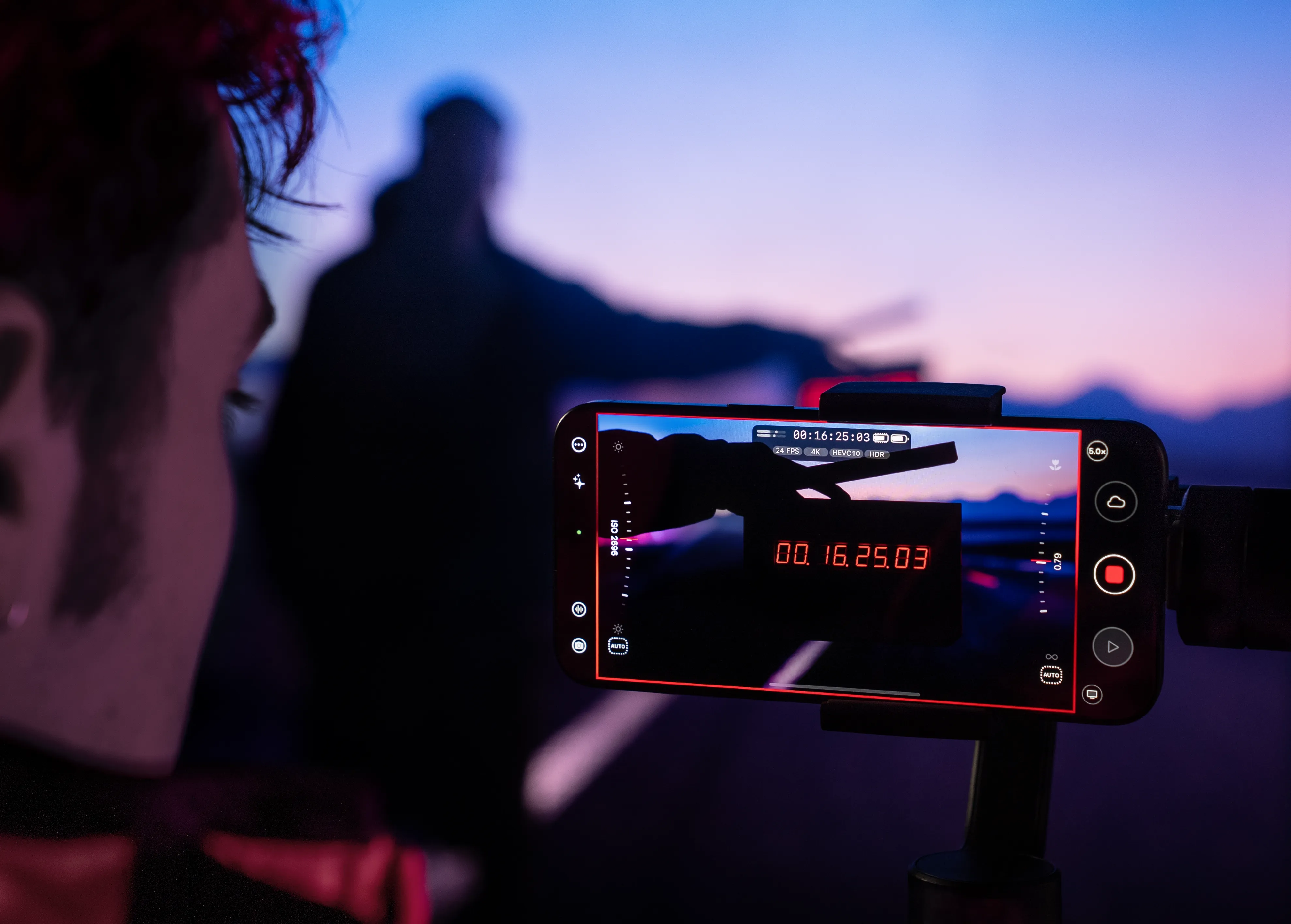
Craft every frame with cinema-grade control, monitoring, color, sync, and creative precision.
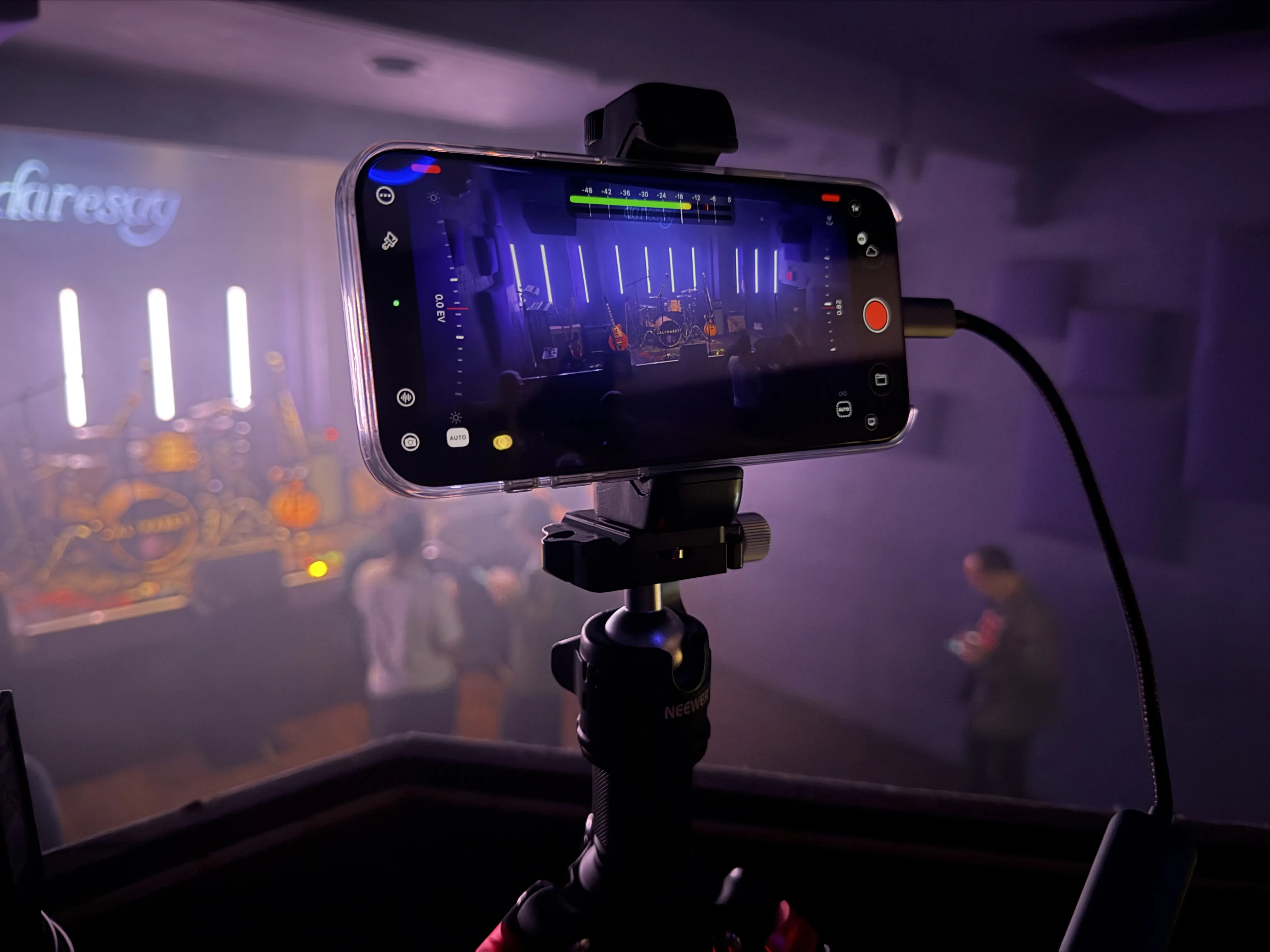
Turn your device into a live source for streaming, AV workflows and multicamera productions.
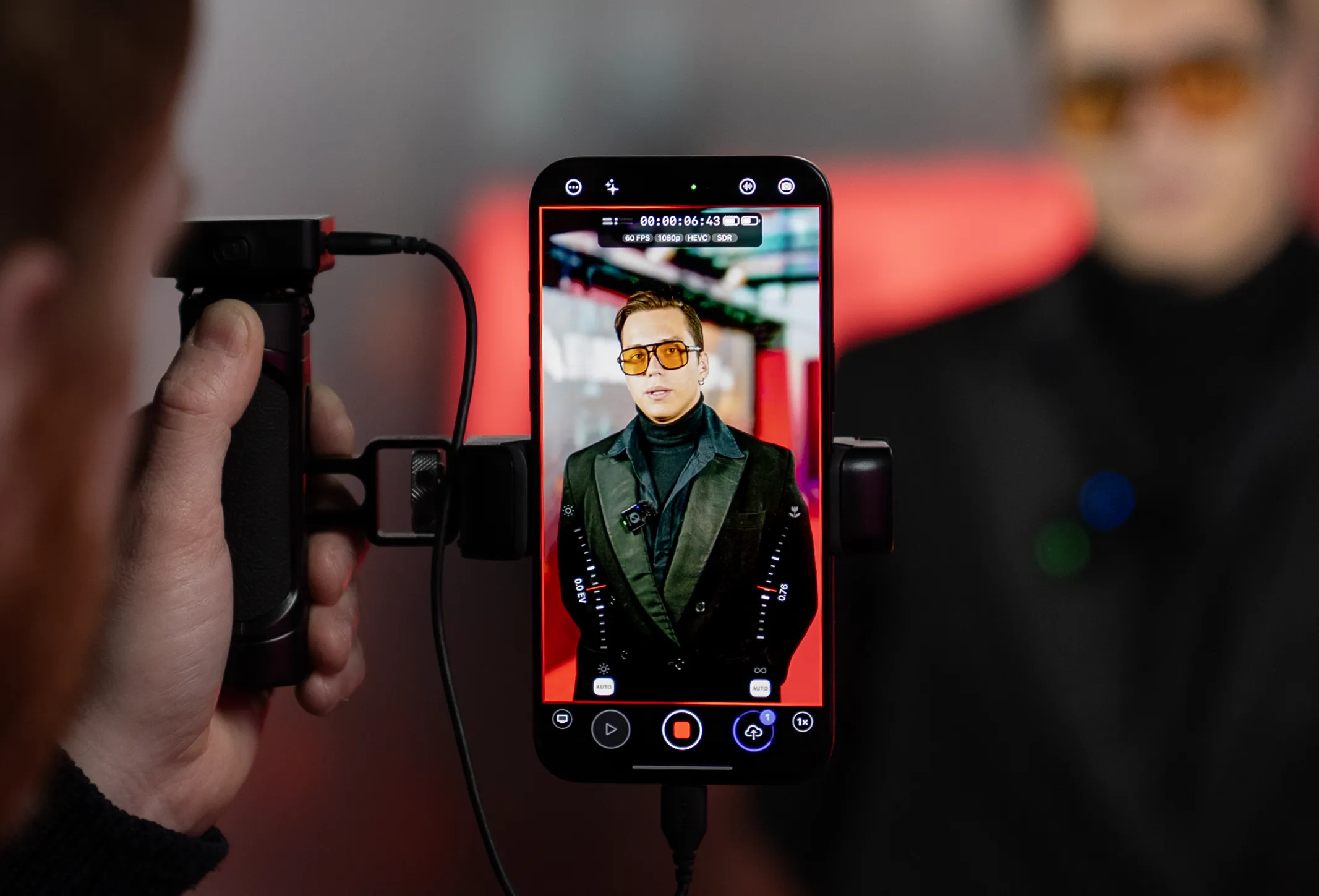
Move from shoot to review faster with cloud-connected tools built for modern teams.
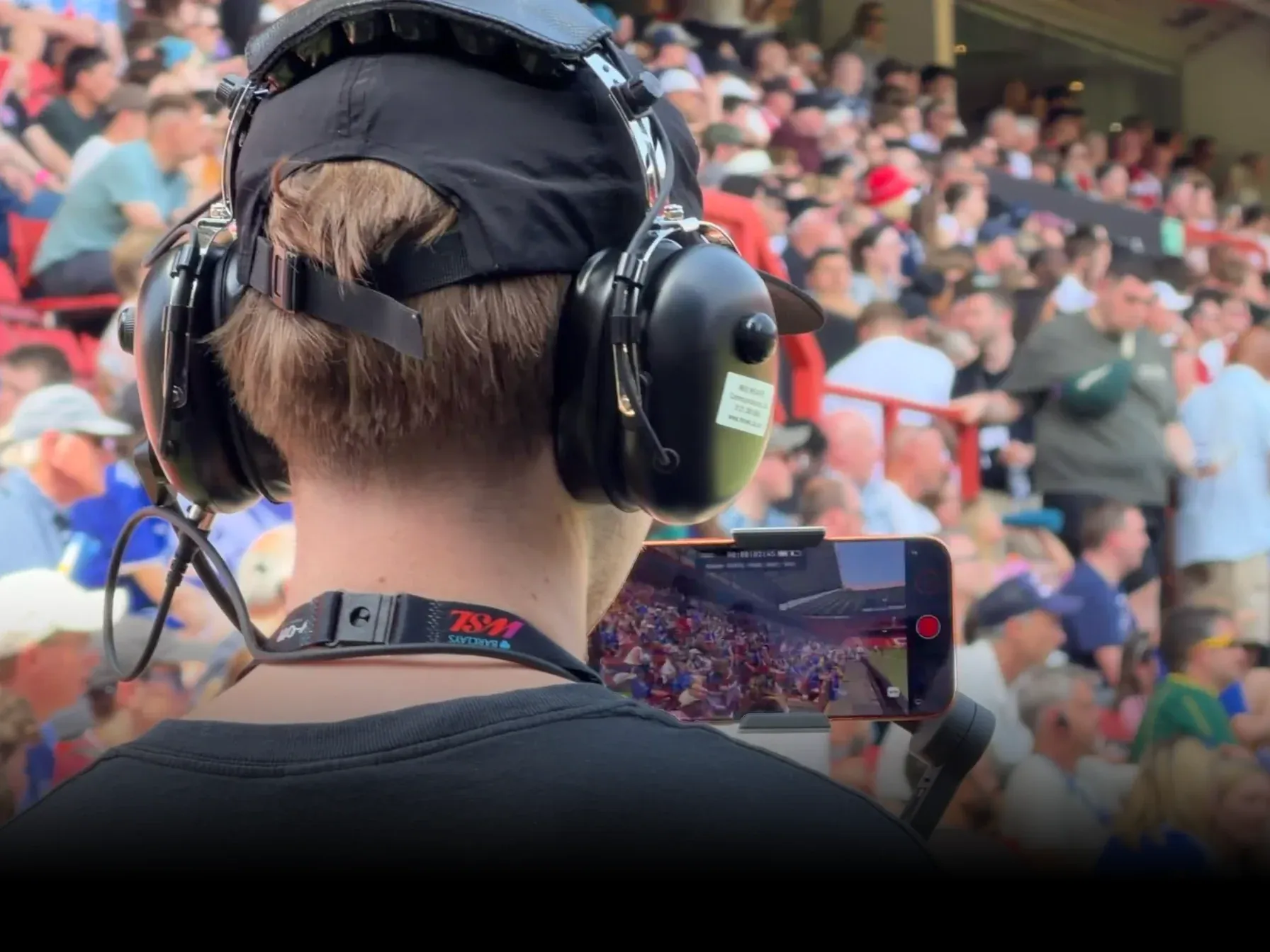
Built for broadcast workflows with remote RCP or API control, genlock and private 5G.
Pro Camera
Cinema control,
without the cinema rig.
Take complete control over every shot with Apple Log 2, ProRes RAW and precise manual controls designed for professional capture. Set ISO, shutter and white balance independently, then choose custom frame rates to meet the creative and technical demands of your production.

LUTs
Filmic Looks.
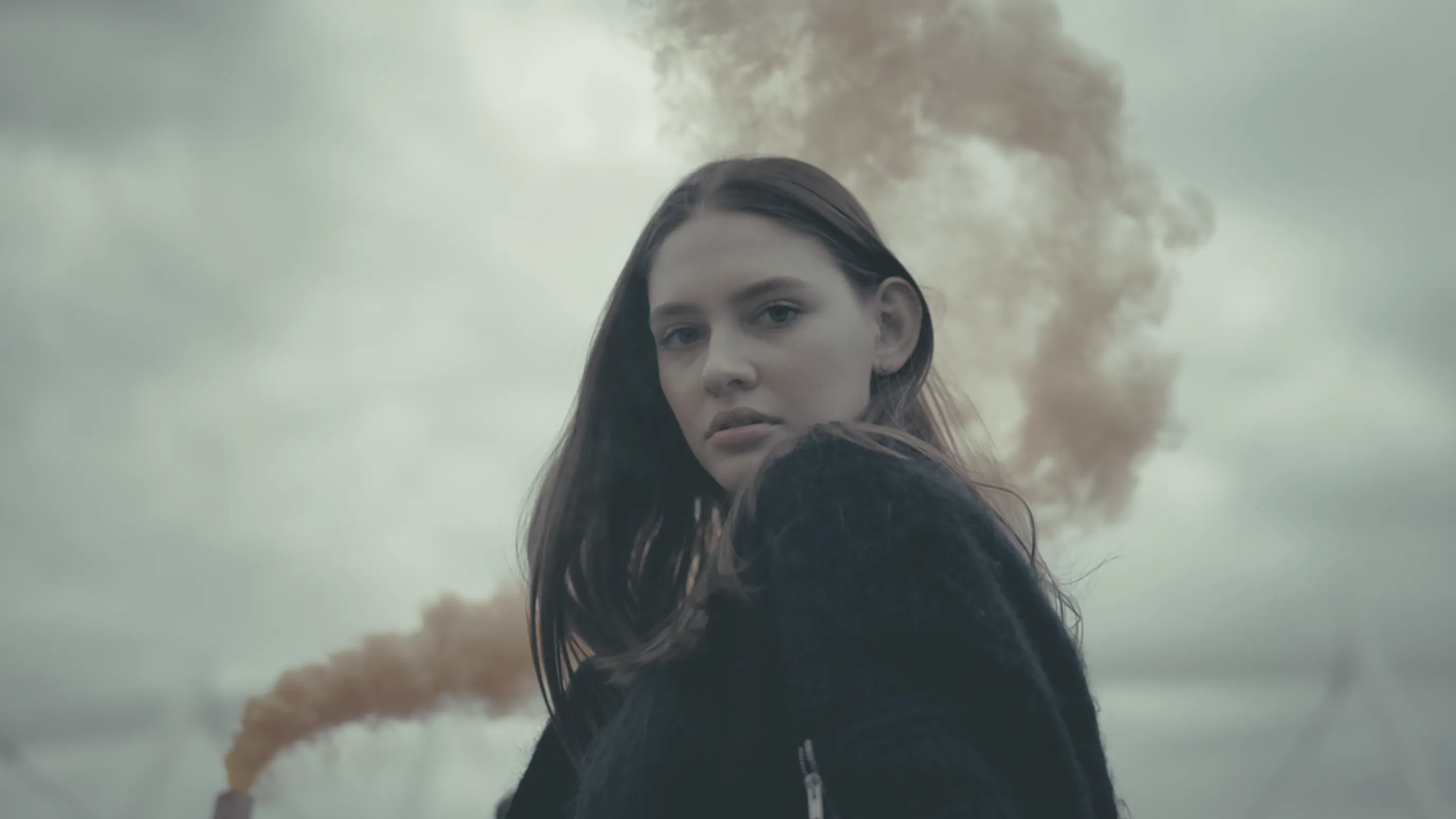
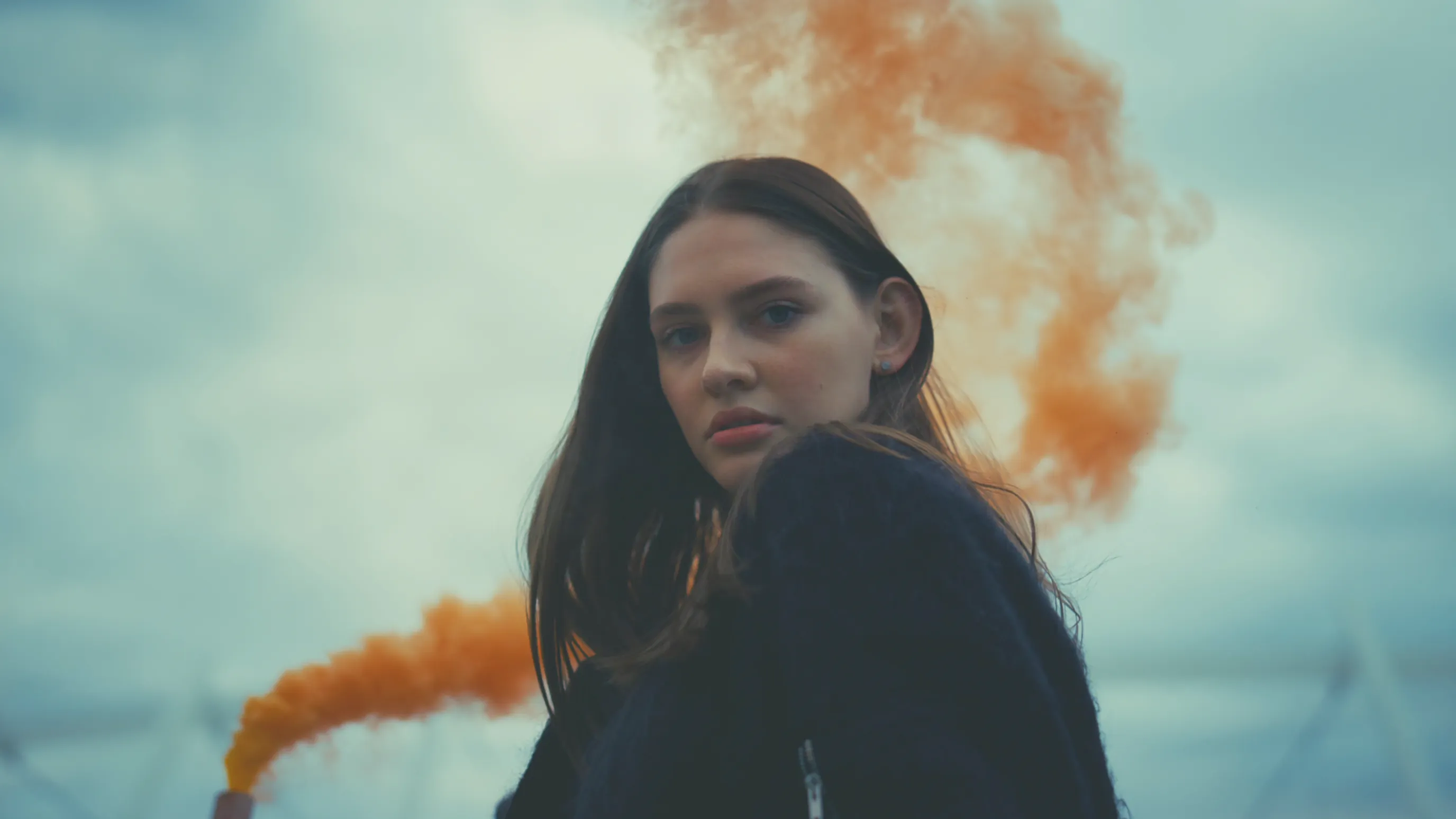
Shape the mood of your footage before you press record. Choose from built-in filmic looks or import .CUBE and mLUTs, and see your look live as you compose each shot. Use Preview LUTs for creative guidance, or Record LUTs to bake the look into your footage. For more advanced workflows, mLUTs bring multiple color-space versions together in a single file, making your looks easier to manage. You can also export mLUTs.
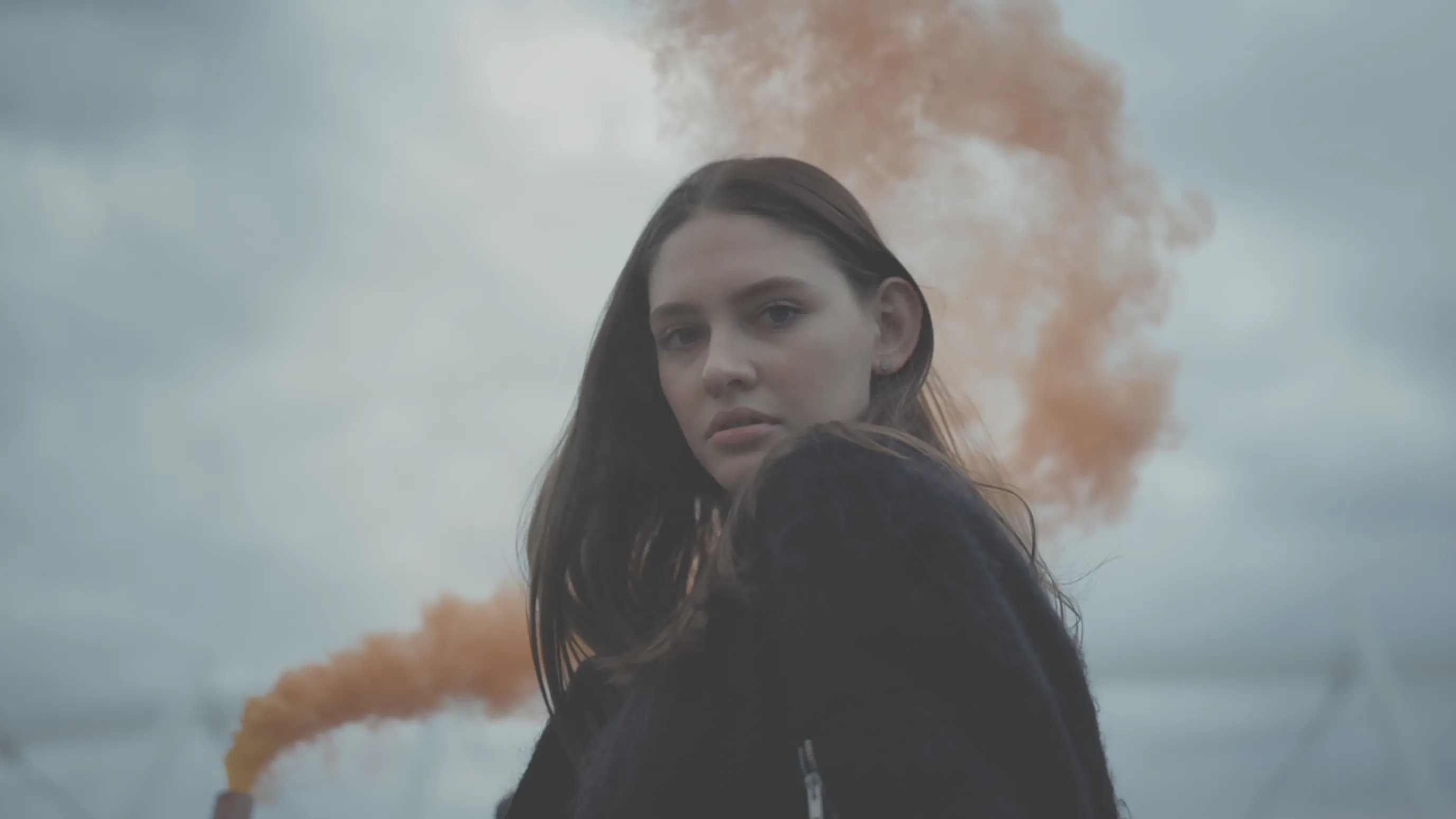
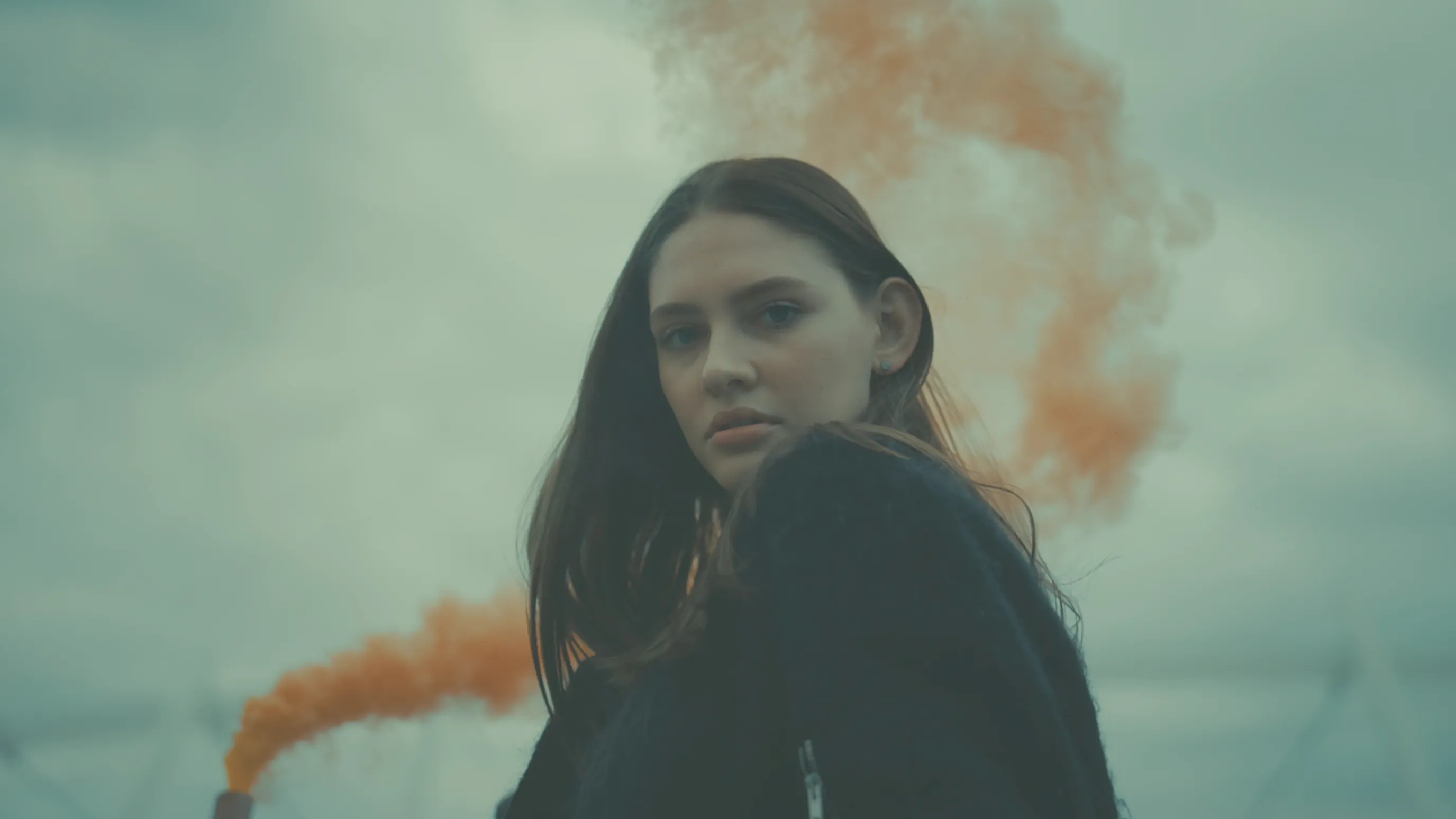
Cinematic Filmmaking Tools
Pro Monitor Tools.
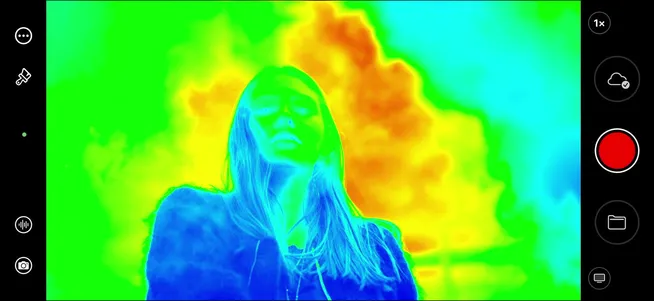
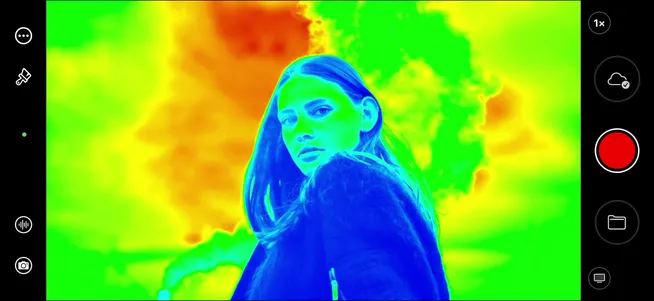
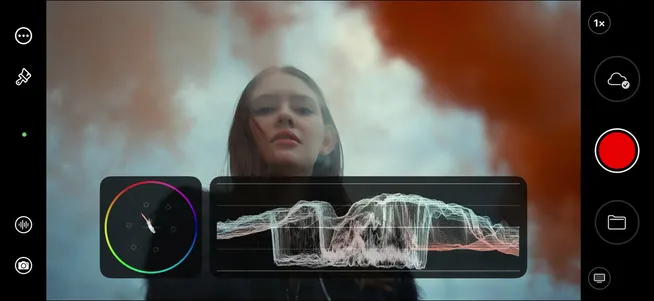
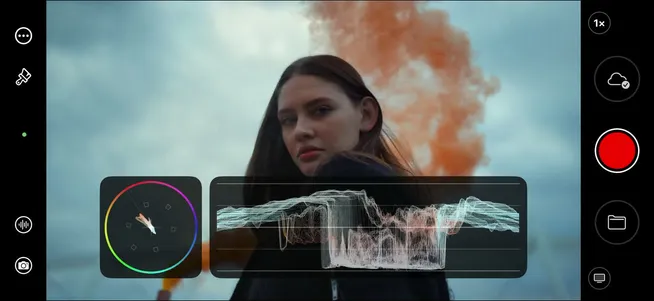
Mavis Camera offers a complete set of monitoring tools to help you analyze and capture the perfect image. Get a full understanding of focus, exposure and composition using tools including focus peaking, expanded focus, waveform, vectorscope, zebra, false color and anamorphic desqueeze. With tools such as guides, aspect overlay and image flip, capturing the perfect image for use in both film and social media has never been easier.
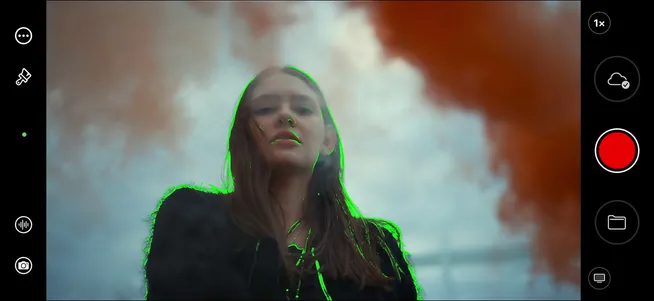
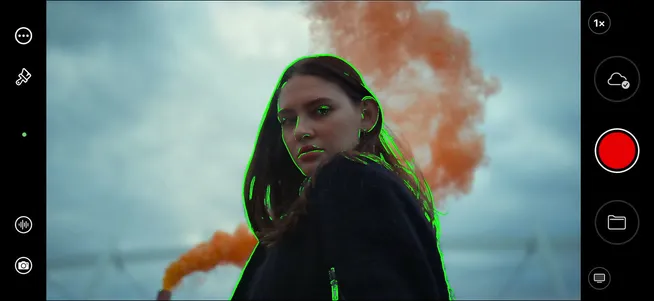
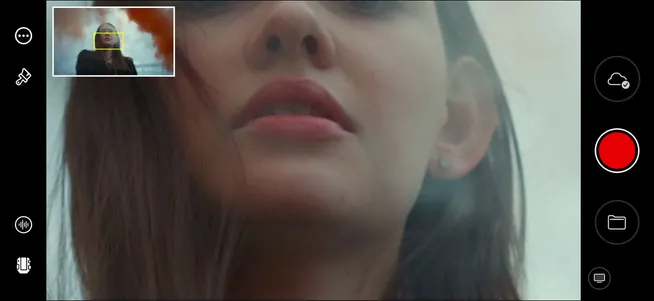
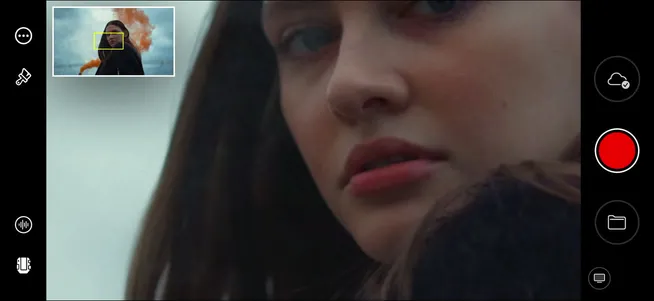
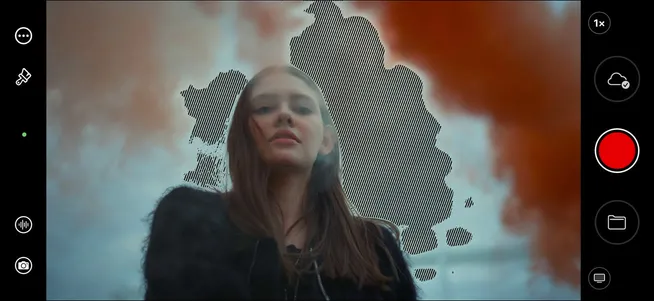
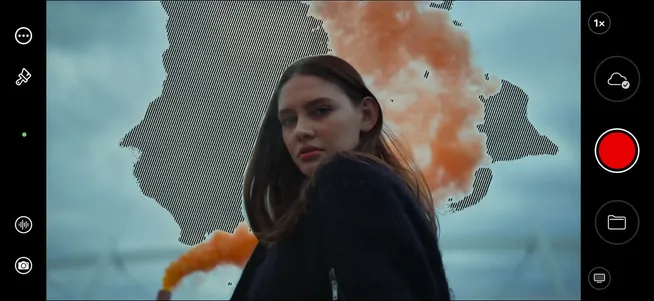
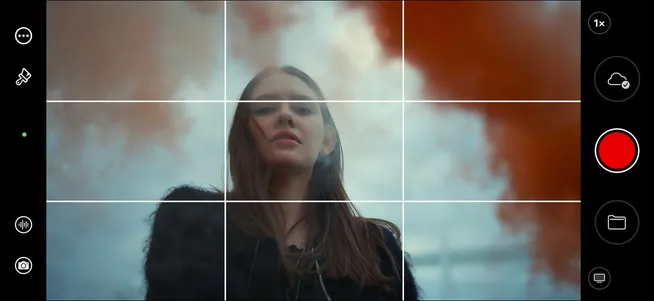
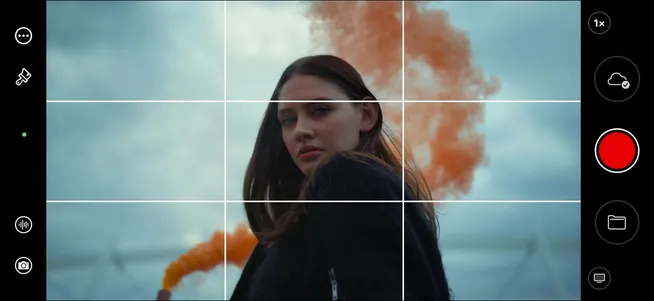
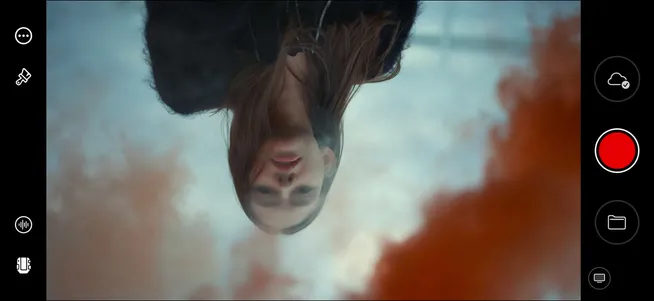
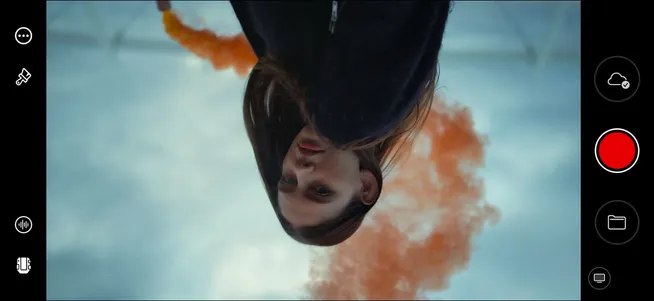
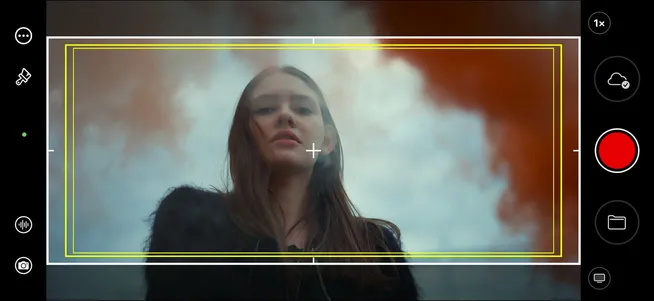
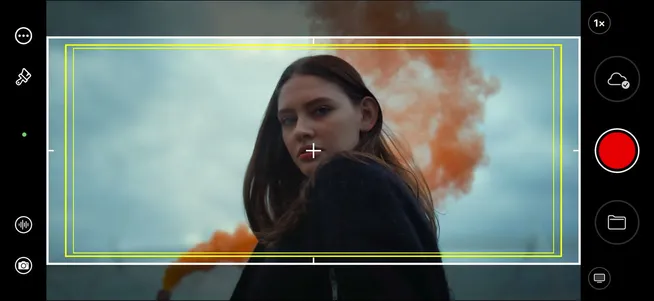
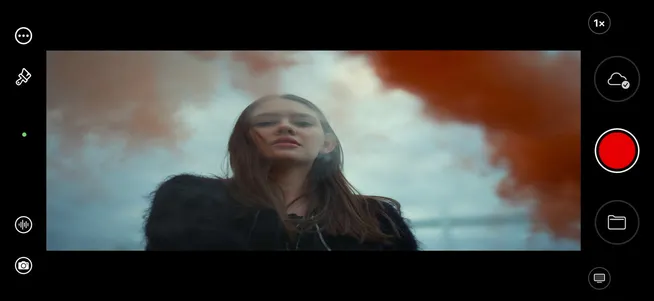
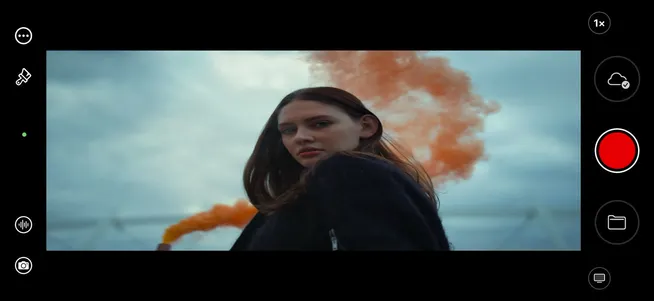
Highlight contrasted edges with a bright color to make it easier to determine which part of your shot is in focus.
Audio
Great pictures deserve
great audio.
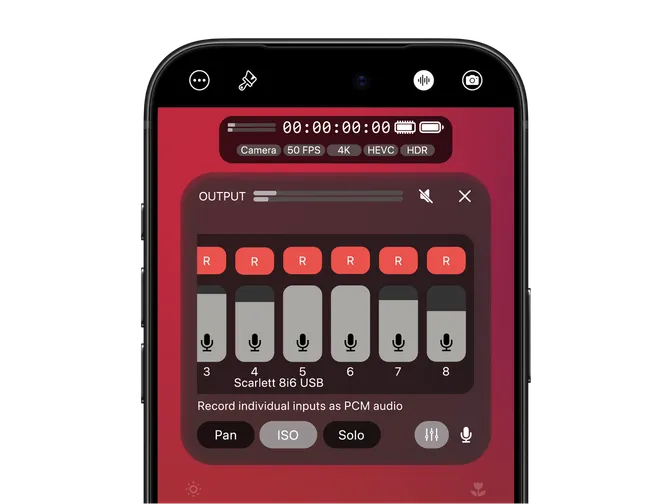
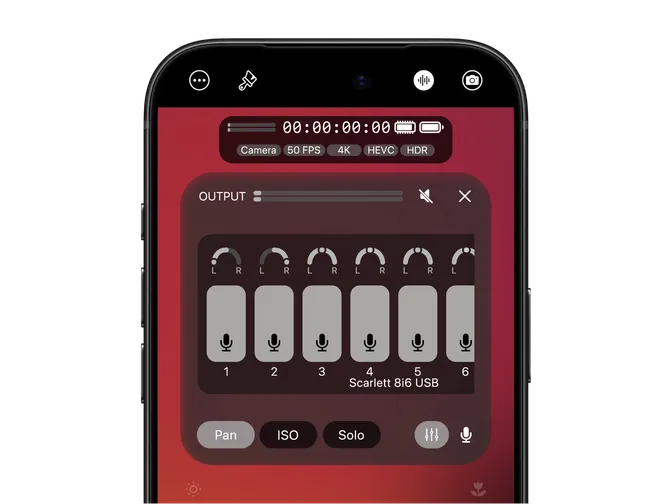
Take control of your audio from the first take. Balance your sources with the built-in mixer and capture individual tracks in uncompressed PCM with ISO recording, giving you the flexibility to refine your mix in post. From intimate interviews to live events, Mavis Camera puts professional audio control at the heart of your shoot.
Broadcast & AV
Live production starts here.
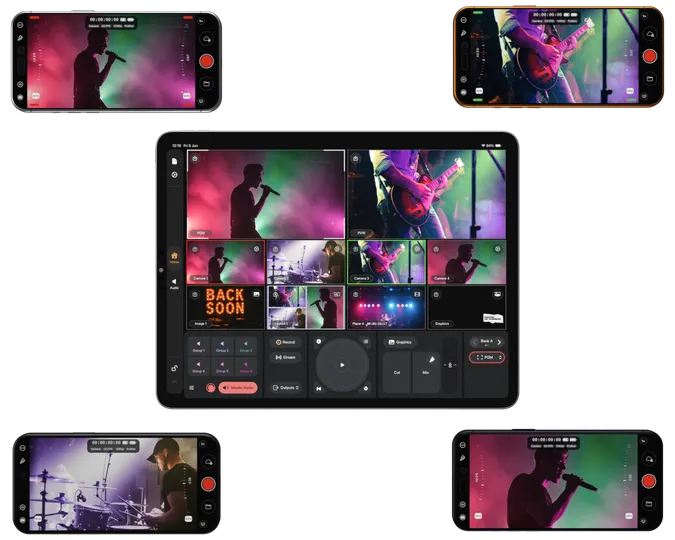
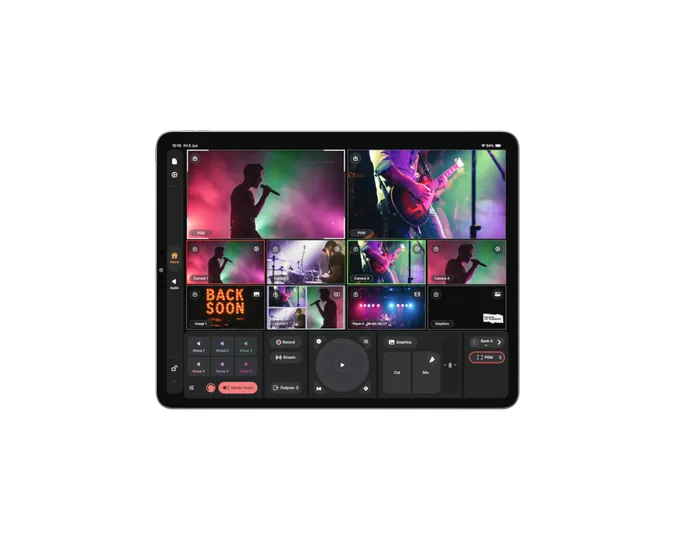
Bring the flexibility of iPhone to your live production. Deliver live video over IP with support for NDI and streaming or connect to production hardware through the ultra low-latency HDMI output. Tally helps operators know when they’re live, while Skaarhoj and Cyanview panels or API control let you manage your camera from the production desk. Fit Mavis Camera into your existing workflow or bring it together with Mavis Studio for a connected multi-camera production.
NDI
Built for connected
productions.
Put your iPhone at the center of a connected production. NDI carries live video and audio across your network, letting you send your camera feed to compatible production systems or receive sources for monitoring, recording and streaming. Mavis Camera is NDI HX3 Certified, combining high-quality images with efficient bandwidth use and low latency. Advanced NDI Options provide discovery and grouping controls to help you find and organize sources across simple setups and larger production networks.
Streaming
Ready. Set. Live.
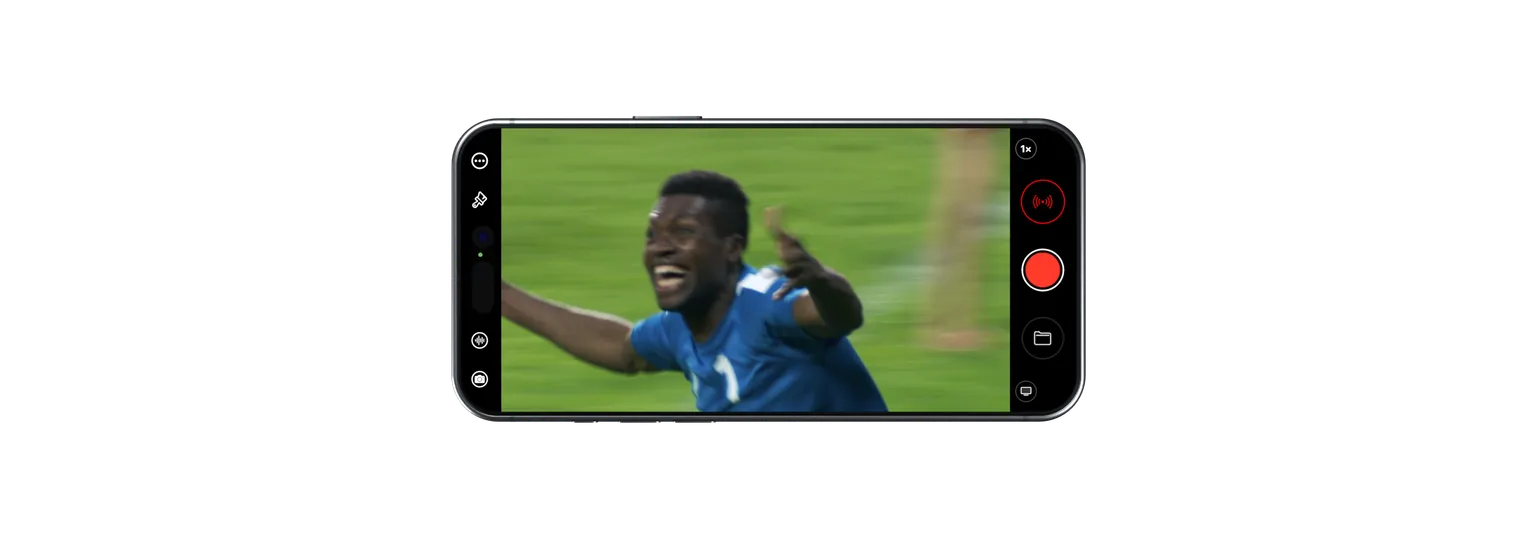
Bring your audience into the action. Stream directly from your iPhone to YouTube, Twitch, or a custom RTMP or SRT destination. Choose portrait or landscape to suit your content, and fine-tune resolution, bitrate and encoder settings to match your production and connection.
For team productions, Mavis Cloud Hub lets your technical team configure streaming settings remotely. Your crew can focus on the event, with everything ready when they tap “Start Stream”.






Cloud Workflow
From capture to collaboration,
faster with Camera to Cloud.
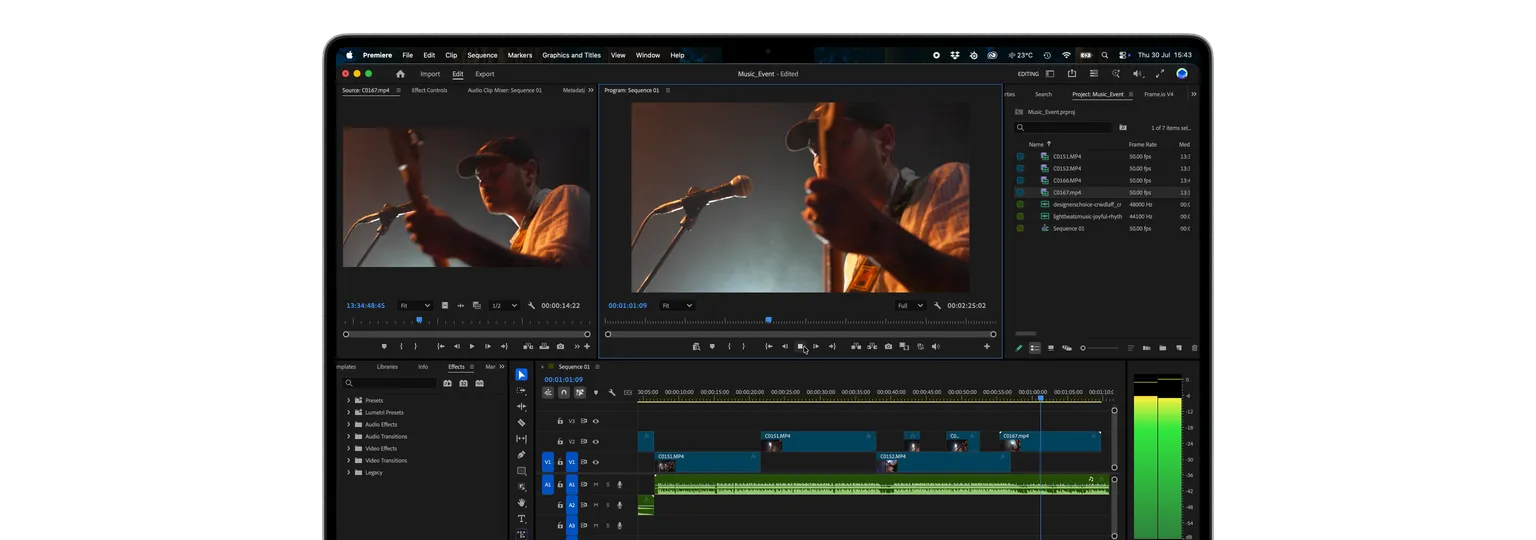
Get footage to your team while the action unfolds. Mavis Camera connects directly to Adobe Frame.io and starts uploading as you record, giving editors, producers and collaborators access to media sooner. From breaking news to music gigs and sporting events, keep your workflow moving with fewer manual transfers and less waiting between teams.
Hardware Controllers
Put your crew in control.
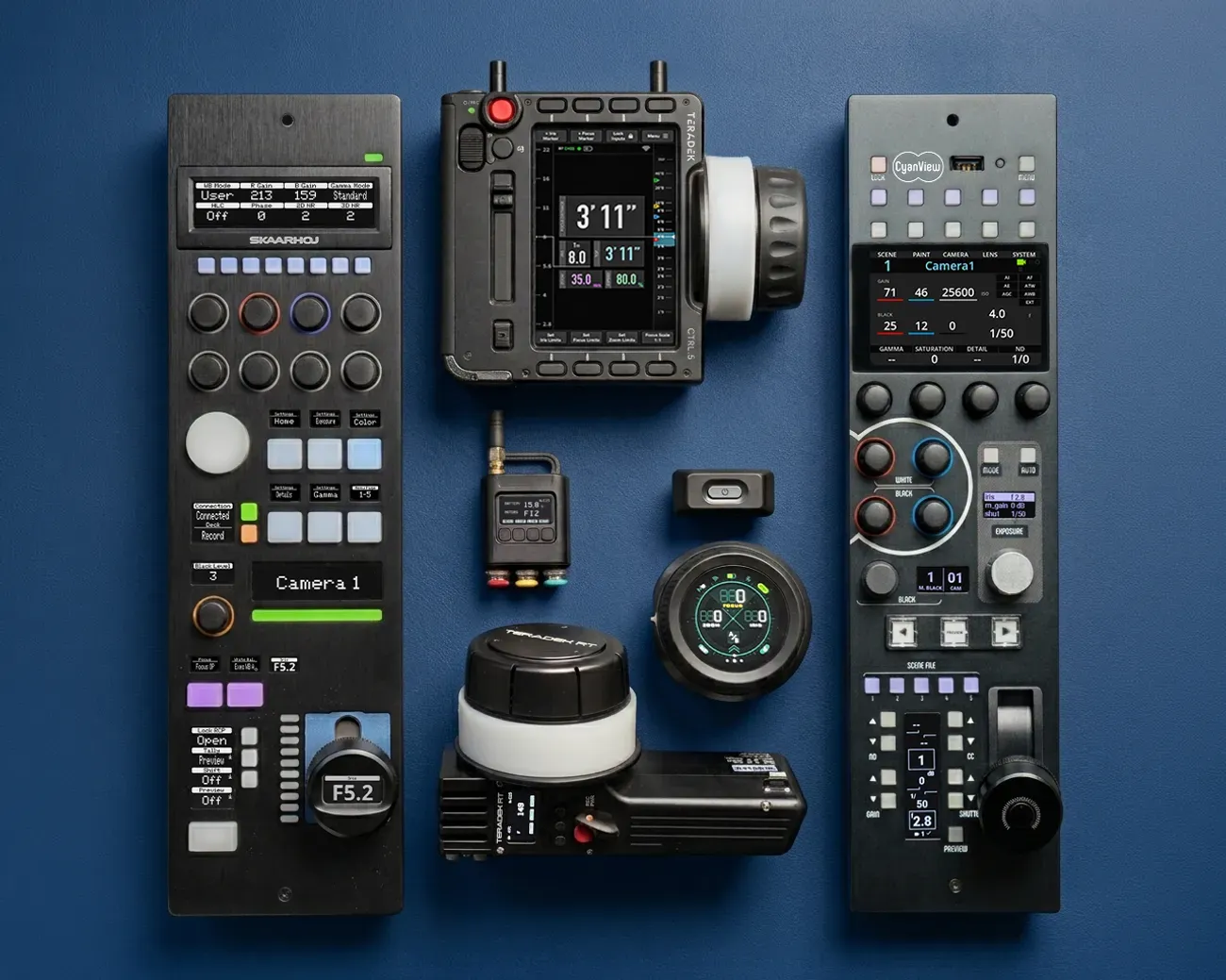
Give your team hands-on camera control, wherever the camera is positioned. From pulling focus on set to matching cameras during a live production, dedicated physical controls let each operator work from their own position, without needing access to the iPhone screen.
Control Mavis Camera with Cyanview RCP, Teradek RT CTL.1 and CTL.5, Tilta Nucleus or Skaarhoj panels. Mavis Camera can also control KipperTie LC ND, bringing ND adjustment into your camera workflow.
Timecode and Genlock
Precision sync.
Mavis Camera supports Time-of-Day, Manual, Bluetooth and USB timecode*, embedded directly into your video files for easier multicam editing, shot referencing and logging. Use Time-of-Day for near-frame-accurate timecode across devices synchronized to a shared remote time server. Connect to Atomos UltraSync BLUE over Bluetooth, or receive USB timecode* from Tentacle SYNC E MKII* and Ambient Lockit* to fit into your team’s existing workflow.
*coming soon
For productions that need precise frame timing, genlock on supported iPhone models locks capture to an external sync reference through compatible hardware, keeping cameras working to the same beat.
Mavis Camera embeds timecode directly into each video file, ensuring seamless compatibility with most professional editing software.
API control
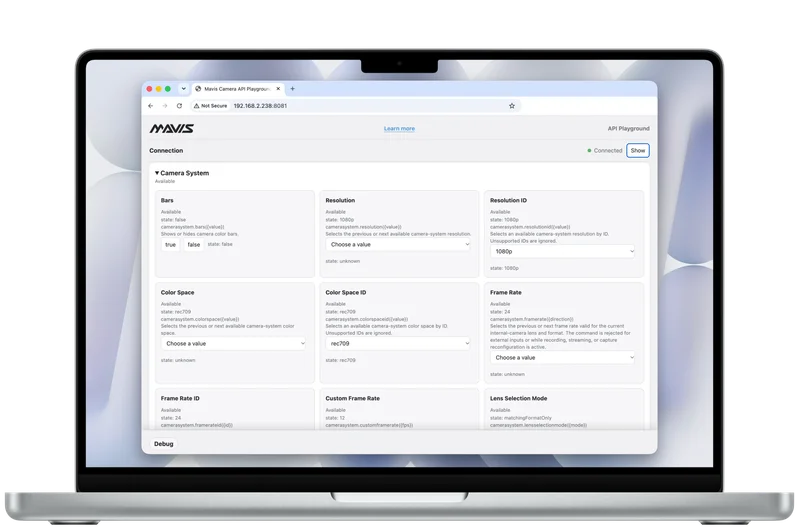
Build Mavis Camera into your production system. API control lets you manage recording, exposure, focus, white balance and more over your local network, with live feedback as camera settings and status change. Develop custom controllers, hardware integrations and studio automation around your workflow. Use API access keys for your integrations, and explore the available controls in the API Playground in your web browser, without writing code.
HDMI & SDI Input
Connect your DSLR
or mirrorless.
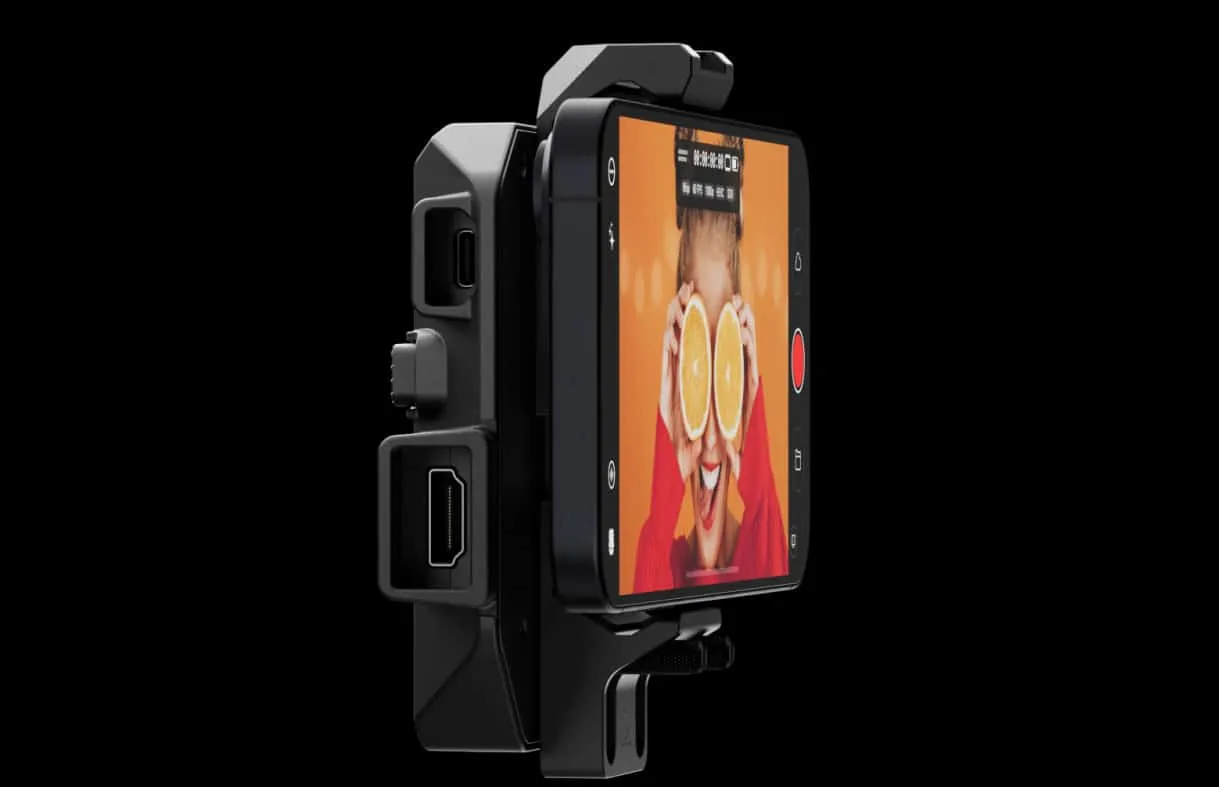
Connect an Atomos Ninja Phone or Accsoon SeeMo to bring HDMI video from a DSLR, mirrorless or cinema camera directly into Mavis Camera. Access professional recording, monitoring, LUTs, streaming and Camera to Cloud workflows through one familiar mobile interface.
Versions
What’s new in Mavis Camera.
Explore the features and workflows introduced in each release.
Pricing
Find the right plan.
Start free, then choose the features and purchase options that fit your production.
Free | Subscription | |
|---|---|---|
| Price | ||
| Features | ||
| Advanced manual camera controls | Included | Included |
| ProRes / ProRes RAW recording | Included | Included |
| Apple Log / Apple Log 2 | Included | Included |
| Pro Monitor Tools | Included | Included |
| External SSD recording | Included | Included |
| Audio mixer | Included | Included |
| Mavis Studio integration | Included | Included |
| SRT / RTMP Streaming | Included | Included |
| Simultaneous record and stream | Included | Included |
| Portrait & landscape record and stream | Included | Included |
| Pro HDMI output | Included | Included |
| HDMI / SDI input* | Included | Included |
| Mavis Cloud Hub integration | Included | Included |
| Open Gate | Not included | Included |
| Preview LUTs | Not included | Included |
| Record LUTs | Not included | Included |
| Import .CUBE and mLUTs | Not included | Included |
| Remote hardware controllers | Not included | Included |
| Export mLUTs | Not included | Included |
| Timecode | Not included | Included |
| Multi channel audio input | Not included | Included |
| ISO Audio record | Not included | Included |
| Advanced Audio mixer | Not included | Included |
| Frame.io C2C | Not included | Included |
| API control | Not included | Included |
| API Playground (web browser) | Not included | Included |
| API access keys | Not included | Included |
| NDI HX3 Send | Not included | Included |
| NDI Receive | Not included | Included |
| Advanced NDI Options | Not included | Included |
| NDI HX3 Certified | Not included | Included |
*Requires Atomos Ninja Phone or Accsoon SeeMo hardware accessory (sold separately)
Free
| Advanced manual camera controls | Included |
| ProRes / ProRes RAW recording | Included |
| Apple Log / Apple Log 2 | Included |
| Pro Monitor Tools | Included |
| External SSD recording | Included |
| Audio mixer | Included |
| Mavis Studio integration | Included |
| SRT / RTMP Streaming | Included |
| Simultaneous record and stream | Included |
| Portrait & landscape record and stream | Included |
| Pro HDMI output | Included |
| HDMI / SDI input* | Included |
| Mavis Cloud Hub integration | Included |
Includes everything in Free, plus:
| Open Gate | Included |
| Preview LUTs | Included |
| Record LUTs | Included |
| Import .CUBE and mLUTs | Included |
| Remote hardware controllers | Included |
| Export mLUTs | Included |
| Timecode | Included |
| Multi channel audio input | Included |
| ISO Audio record | Included |
| Advanced Audio mixer | Included |
| Frame.io C2C | Included |
| API control | Included |
| API Playground (web browser) | Included |
| API access keys | Included |
| NDI HX3 Send | Included |
| NDI Receive | Included |
| Advanced NDI Options | Included |
| NDI HX3 Certified | Included |
Don't want a subscription?
Includes everything in Free, plus:
| Open Gate | ✓ |
| Preview LUTs | ✓ |
| Record LUTs | ✓ |
| Import .CUBE and mLUTs | ✓ |
| Remote hardware controllers | ✓ |
| Export mLUTs | ✓ |
Includes everything in Free, plus:
| Timecode | ✓ |
| Multi channel audio input | ✓ |
| ISO Audio record | ✓ |
| Advanced Audio mixer | ✓ |
| Frame.io C2C | ✓ |
Includes everything in Free, plus:
| API control | ✓ |
| API Playground (web browser) | ✓ |
| API access keys | ✓ |
Includes everything in Free, plus:
| NDI HX3 Send | ✓ |
| NDI Receive | ✓ |
| Advanced NDI Options | ✓ |
| NDI HX3 Certified | ✓ |
*Requires Atomos Ninja Phone or Accsoon SeeMo hardware accessory (sold separately)
Made with Mavis Camera
We’d love to hear your story.
If you’re using Mavis Camera in your production, tell us how. Your work could be featured in a future customer story or case study.
Frequently Asked Questions
Is Mavis Camera free?
Yes. Mavis Camera is free to download and use, with optional upgrades to expand your toolkit. Choose the Annual Pass subscription or individual one-time purchases for selected features. Explore the current options in the App Store.
Will Mavis Camera work with my device and camera setup?
Mavis Camera supports iPhones and iPads running iOS 18 or iPadOS 18 and later. Available features and recording formats vary by device. You can also connect compatible HDMI or SDI cameras through Atomos Ninja Phone or Accsoon SeeMo hardware, bringing Mavis tools and workflows to your existing setup.
Can I record in ProRes, Apple Log, HDR and Open Gate?
Yes. Mavis Camera supports ProRes, Apple Log, Apple Log 2 and HDR on compatible devices. Open Gate capture gives you more flexibility to reframe one take for different delivery formats. Available combinations of format, resolution and frame rate depend on your device and settings.
Can I record to an external SSD and easily access my footage?
Yes. Record directly to compatible external storage for more room on longer shoots and demanding recording formats. Footage recorded internally is available through Apple’s Files app, where you can manage, share or copy it to Photos.
Can I use Mavis Camera for live streaming and NDI production?
Yes. Stream to social platforms or custom RTMP and SRT destinations, or send and receive live video and audio across your NDI network. A free Mavis Cloud Hub account lets you set up streaming destinations and manage streaming settings remotely.