
Mavis Cloud Hub
Your devices, cloud managed
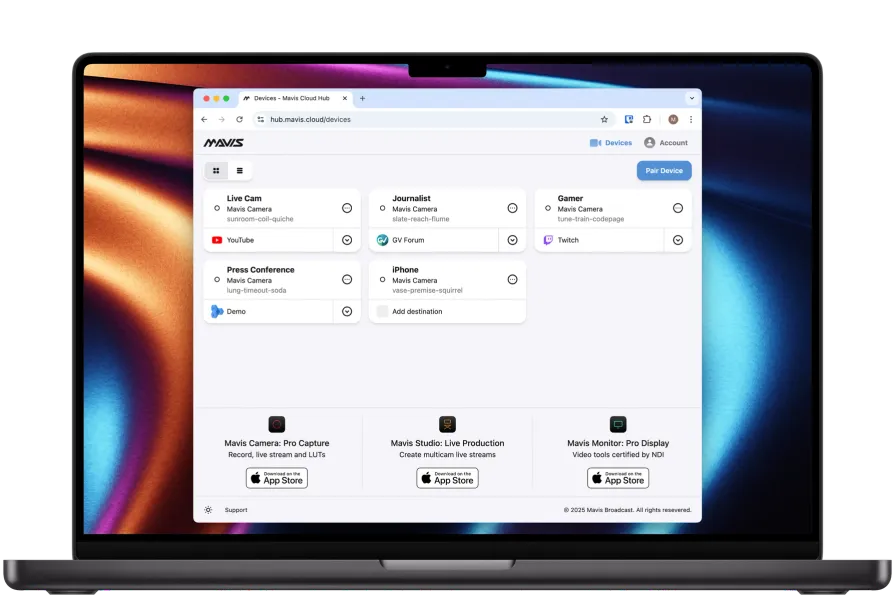
Mavis Cloud Hub brings device management, workflow configuration and enterprise licensing together. Give your production team a shared foundation for working with Mavis, from setting up destinations to administering your organisation's deployment.
Device management
Configure the workflow. Support the production.
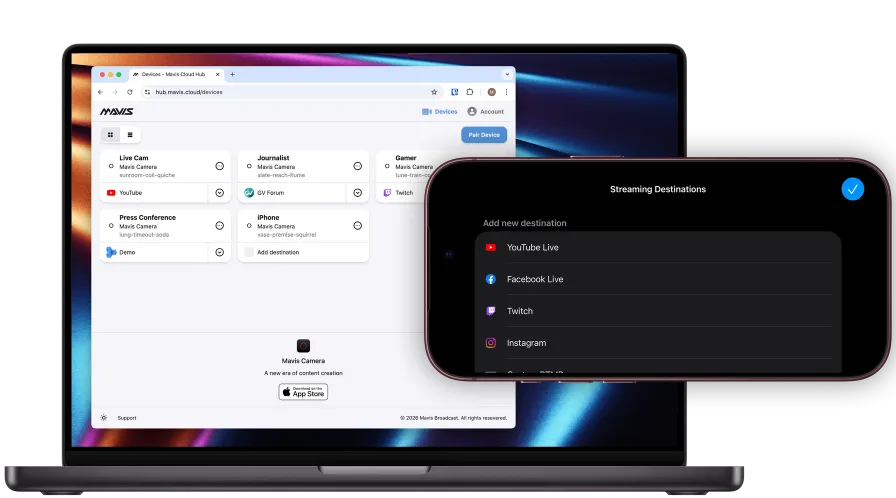
Configure streaming and Camera to Cloud destinations through Mavis Cloud Hub, so technical teams can prepare the workflow for operators in the field. Centralised configuration helps keep capture and delivery aligned with your production requirements.
Organisation deployment
Integrate Mavis into your business.
Deploy Mavis apps across your organisation through the App Store, with enterprise support for Jamf and Apple Business via Mavis Cloud Hub. Simplify onboarding, centrally manage app distribution and unlock premium features through Jamf for licensed users, without individual in-app purchases.


Jamf is an Apple device management platform that helps IT teams set up, manage and secure devices across an organisation. It supports centralised app distribution and configuration, helping teams get the apps and settings they need.
Enterprise administration
Bring shared administration, team accounts and centralised Mavis licensing to your organisation. Manage the administrative side of your deployment alongside the devices and workflows your production team relies on.
Remote configuration
Allow remote admins to configure streaming and C2C destinations.
Team accounts
Organise your Mavis Cloud Hub around the team using it.
Centralised licensing
Access enterprise licensing via Mavis Cloud Hub.
Mavis Enterprise
Let's connect to your business.
Tell us about your team, acquisition devices and media destinations. We'll help you explore how Mavis Apps, Cloud Services and enterprise licensing could fit your business, production and deployment requirements.
Mavis C2C
Camera to Cloud, directly from iPhone
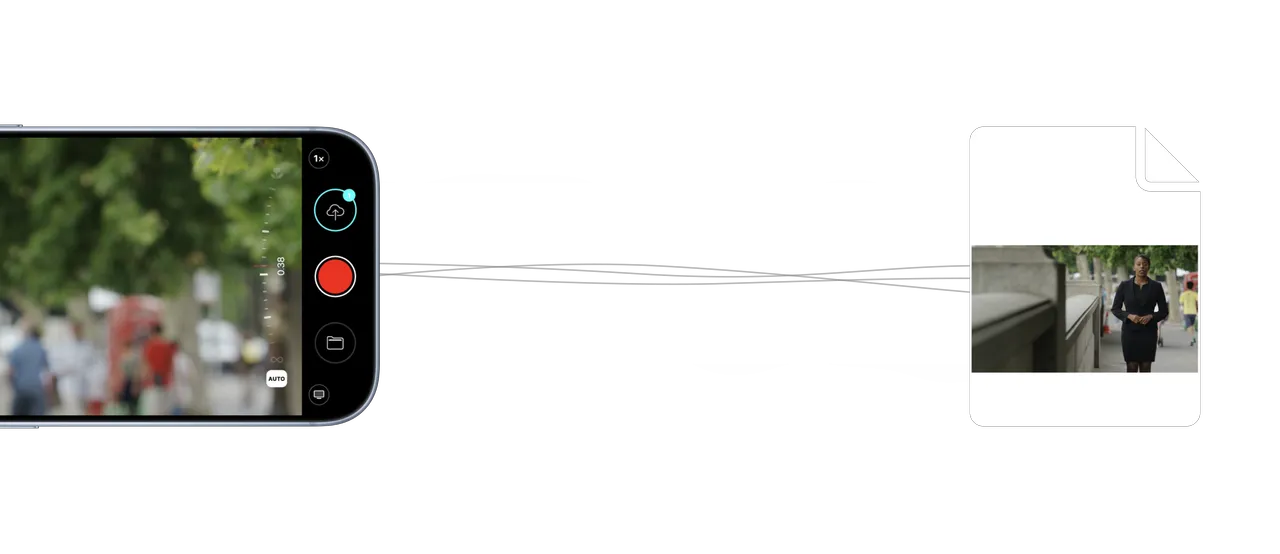
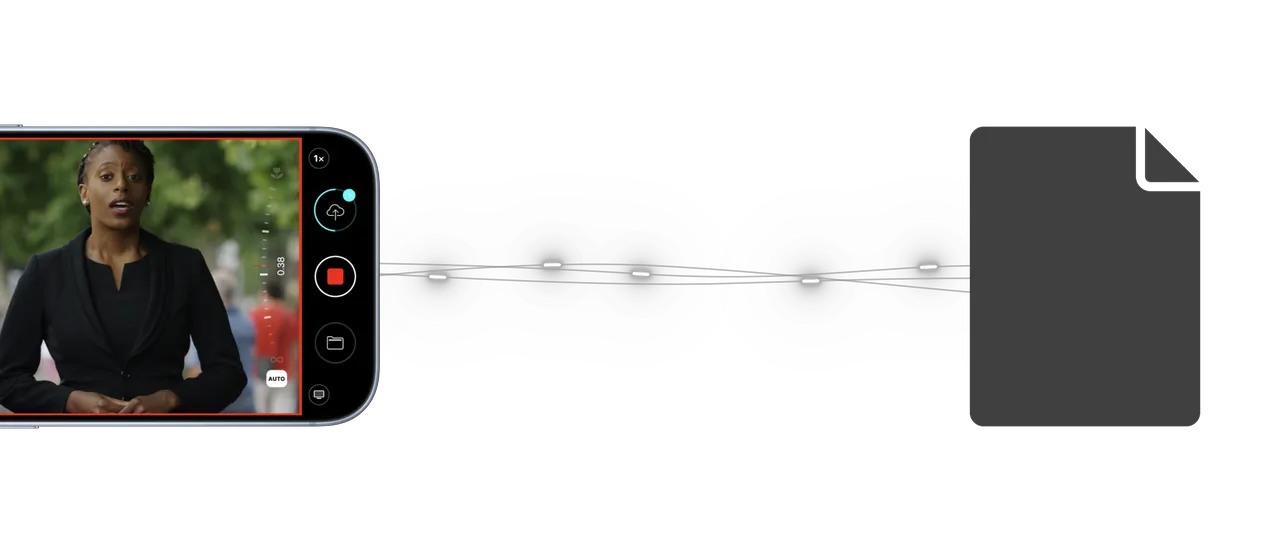
Mavis C2C connects the Mavis Camera iPhone app to enterprise media workflows. Combine progressive uploading with destinations configured through Mavis Cloud Hub to move recorded content into the systems your production teams use.
Progressive uploads
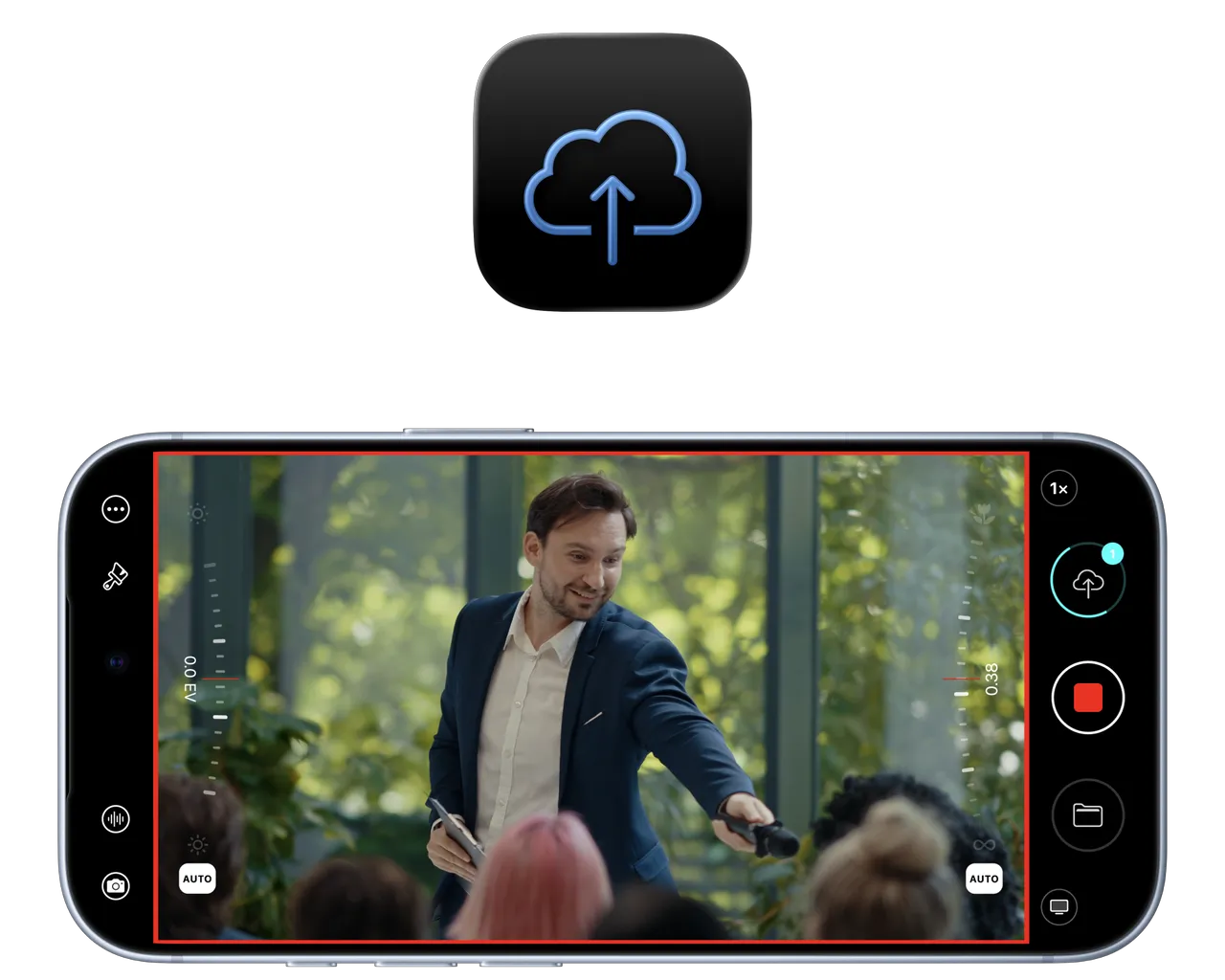
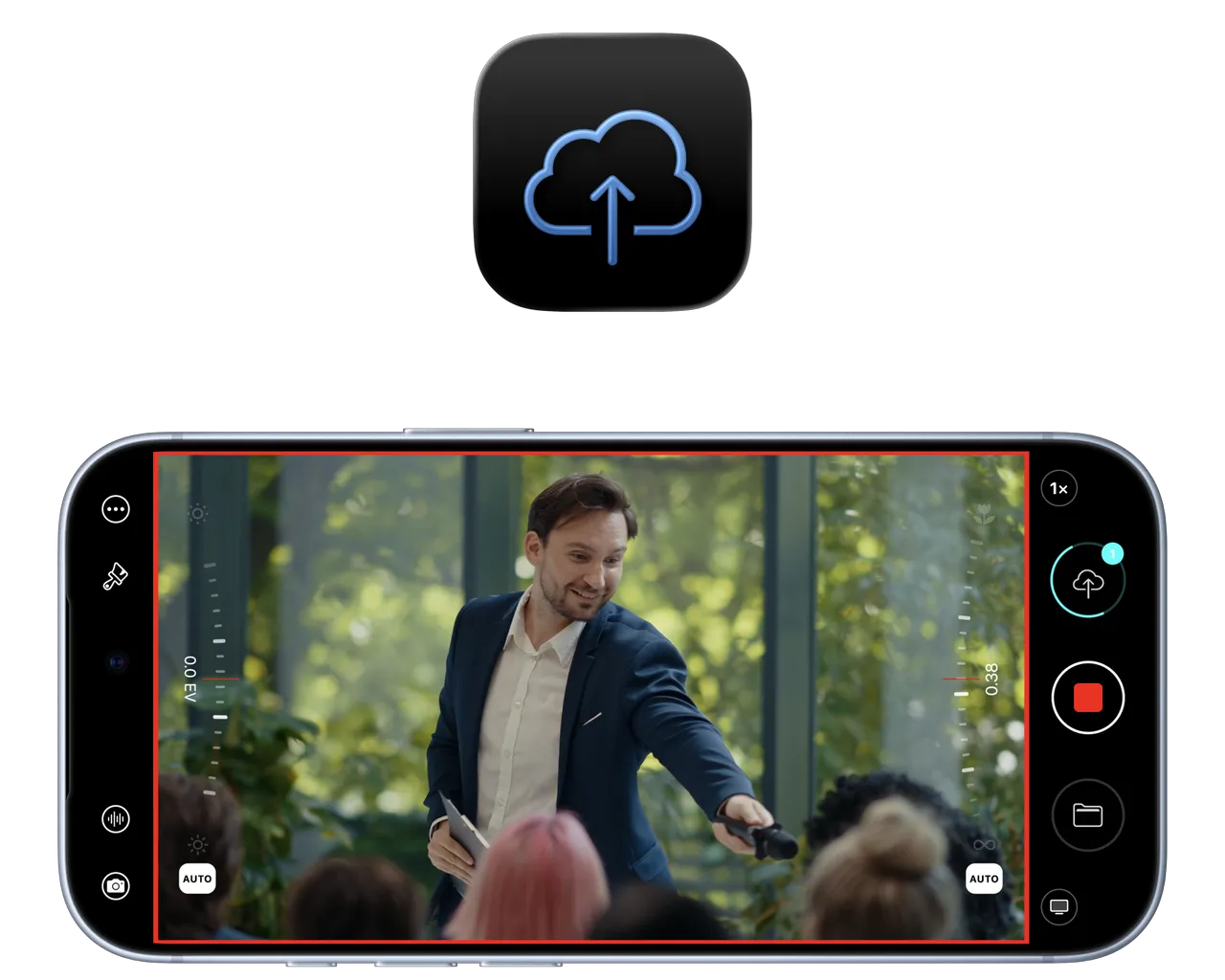
Start uploading while you capture.
Begin uploading while recording, so capture and transfer can happen in parallel. Mavis C2C makes delivery part of the acquisition workflow, with downstream media access determined by the destination and its supported workflow.
Integrations
Connect once, upload from anywhere
Connect Mavis C2C to enterprise media platforms including Amazon S3, Sony Ci Media Cloud, MediaSilo, Grass Valley and TAMS. Build delivery around the destinations your organisation uses, with the integration path and device support matched to your workflow.

Amazon S3
Object-storage destinations for enterprise media workflows.

Sony Ci Media Cloud
Media delivery into your organisation’s Ci workflow.

MediaSilo
Connect acquisition to media review and collaboration.

Grass Valley
Media-management workflows with Framelight X.

TAMS
Segment-based enterprise media delivery.
TAMS growing files
Edit content as it's still recording
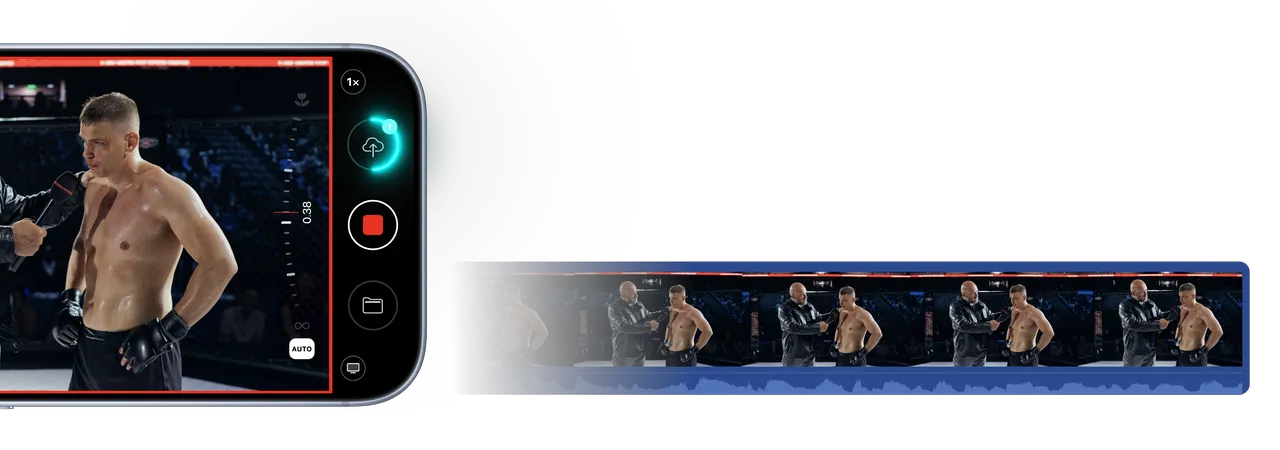
Bring supported Mavis Camera acquisition into TAMS-based media workflows, with progressive uploads of audio and video segments during recording. Connect capture to your enterprise media infrastructure through a workflow matched to your supported devices and account requirements.

Mavis C2C Pricing
Find the right plan.
Choose a weekly or monthly subscription, or talk to us about Enterprise licensing for custom device capacity, TAMS workflow integration and TAMS growing files.
Subscription | Enterprise License | |
|---|---|---|
| Price | Custom Contact Sales | |
| Features | ||
| Support for Mavis Camera | Included | Included |
| Support for Atomos Connect devices | Included | Included |
| Remote configuration | Included | Included |
| Connect three devices simultaneously | Included | Included |
| Upload content as you record | Included | Included |
| Amazon S3 | Included | Included |
| Grass Valley Framelight X | Included | Included |
| Sony Ci | Included | Included |
| MediaSilo | Included | Included |
| TAMS | Not included | Included |
| TAMS Growing files | Not included | Included |
| Connect a custom number of devices | Not included | Included |
| Support for Mavis Camera | Included |
| Support for Atomos Connect devices | Included |
| Remote configuration | Included |
| Connect three devices simultaneously | Included |
| Upload content as you record | Included |
| Amazon S3 | Included |
| Grass Valley Framelight X | Included |
| Sony Ci | Included |
| MediaSilo | Included |
| TAMS | Not included |
| TAMS Growing files | Not included |
| Connect a custom number of devices | Not included |
| Support for Mavis Camera | Included |
| Support for Atomos Connect devices | Included |
| Remote configuration | Included |
| Connect three devices simultaneously | Included |
| Upload content as you record | Included |
| Amazon S3 | Included |
| Grass Valley Framelight X | Included |
| Sony Ci | Included |
| MediaSilo | Included |
| TAMS | Included |
| TAMS Growing files | Included |
| Connect a custom number of devices | Included |
Looking for enterprise licensing?


Products and workflows
- Unlock all apps and features
- Access all cloud services
- Integrate and upload with TAMS
Organisation management
- Seat based license
- Team accounts
- Shared administration
Service and billing
- Annual or multi-year invoicing
- SLA options available
- Enhanced support options available
Frequently Asked Questions
What’s the difference between Mavis Cloud Hub and Mavis C2C?
Mavis Cloud Hub is your online control center for managing connected devices and configuring streaming and cloud destinations. Mavis C2C is the Camera to Cloud service that uploads your footage to supported media platforms. Together, they help your team manage capture and delivery remotely, getting content from the shoot to the people who need it faster. Explore Cloud Hub.
Is Mavis Cloud Hub free, and when do I need a subscription?
Creating a Mavis Cloud Hub account, pairing devices and configuring supported live-streaming destinations is free. Mavis C2C requires a paid subscription for uploads to services including Amazon S3, Sony Ci, MediaSilo and Grass Valley Framelight X. Accounts and charges for those third-party platforms are separate.
How do I purchase Mavis C2C?
Mavis C2C can be purchased via Mavis Cloud Hub or directly within Mavis Camera as an In-App Purchase subscription. The in app subscription is limited to a maximum of 3 active devices. For more active devices and to discuss using Mavis C2C in your organization please contact Enterprise Sales
How does Mavis C2C differ from Mavis Camera’s direct connections?
Mavis Camera connects directly to Adobe Frame.io and Atomos ATOMOSphere, uploading footage straight from the app to your chosen platform using its native integration.
Mavis C2C uploads your content to Mavis Cloud Hub first, using Mavis technology for progressive uploads, automatic retries and secure, encrypted transfers. Once the upload is complete, Mavis Cloud Hub delivers the finished asset to your selected destination, such as Amazon S3, Sony Ci, MediaSilo or Grass Valley Framelight X.
This gives supported platforms a consistent Mavis-powered upload workflow, with central control over where and how your team’s footage is delivered.
What network speeds do I need for Mavis C2C?
Mavis C2C requires an internet connection to pair a device or app and upload content to the cloud. The upload bandwidth needed depends on several factors, including bitrate, resolution, and encoder type. Importantly, because Mavis C2C uses progressive (real-time) uploading for all integrated services, the required bandwidth for timely uploads is significantly reduced.