
Mavis Monitor: Pro Display
See what matters.
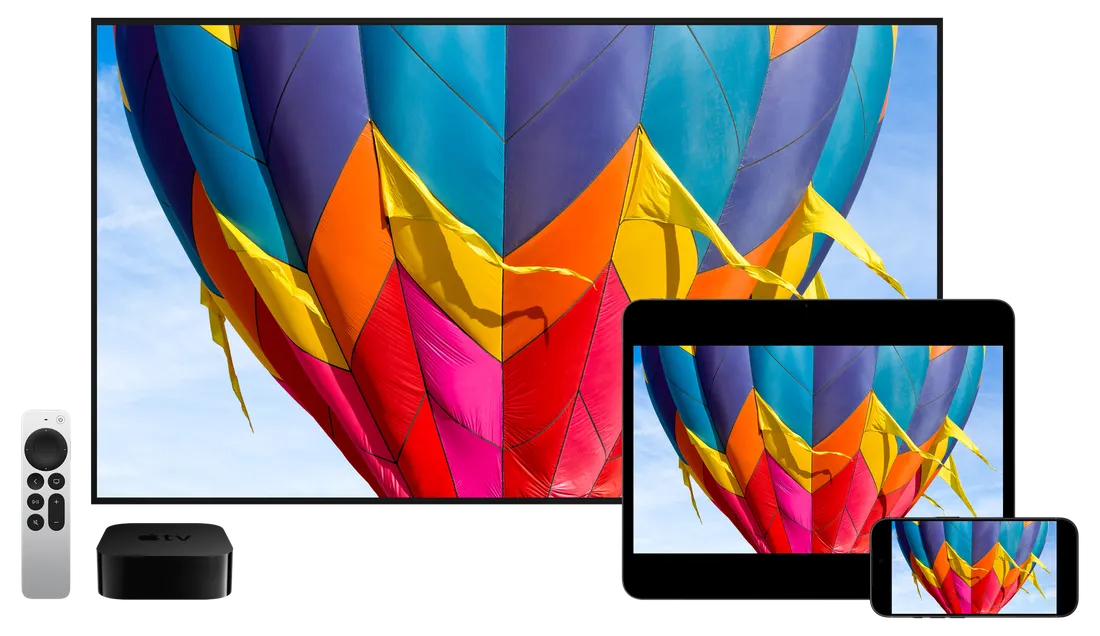
Turn your iPhone, iPad or Apple TV into a professional monitor. Check focus, judge exposure and refine your framing with powerful monitoring tools. Receive live video over NDI, or connect a camera to your iPhone or iPad through Atomos Ninja Phone or Accsoon SeeMo. From a monitor on your rig to a larger display for your crew, see what matters wherever you’re working.
NDI
Live monitoring.
Across your network.
Follow the action from where you need to be. NDI carries live video and audio over your local network, connecting cameras, production systems and displays. Mavis Monitor automatically finds available sources, so you can choose a camera feed or program output and keep it in view. Give your team a dedicated view of the production, without running a separate video cable to every screen.
NDI Certified
Guaranteed to connect seamlessly and perform to NDI's own standards of efficiency, interoperability and quality in any setup.
Ultra Low Latency
Independently verified to achieve a glass-to-glass latency of less than 100ms.
Advanced Modes
Set up an NDI Discovery Server, group sources for secure access, and choose between low-latency UDP or robust, error-corrected TCP delivery.
Hardware Inputs
Connect any HDMI & SDI source.
Bring in an Atomos Ninja Phone or Accsoon SeeMo to monitor HDMI output from a DSLR, mirrorless or cinema camera directly on Mavis Monitor, with the same pro monitoring tools available for every source.
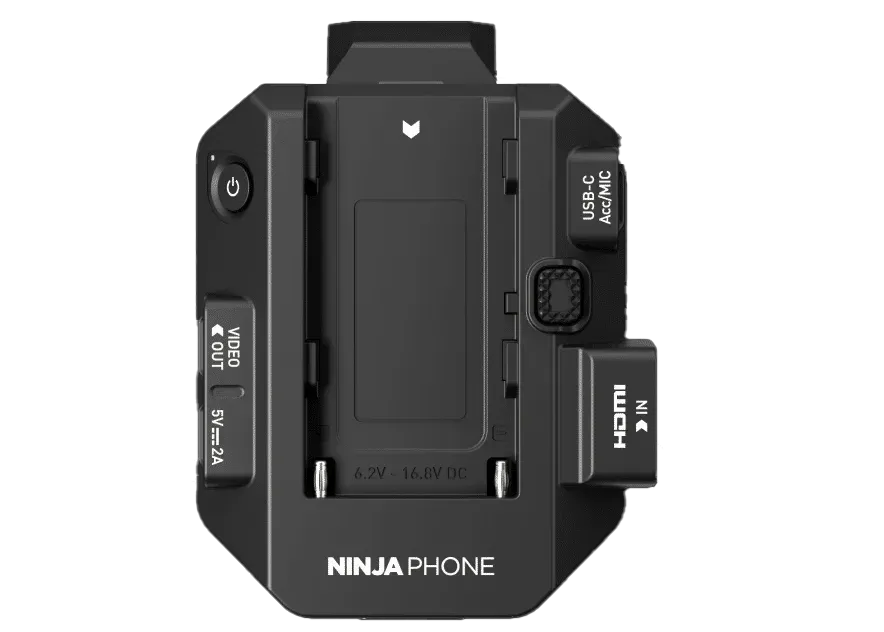
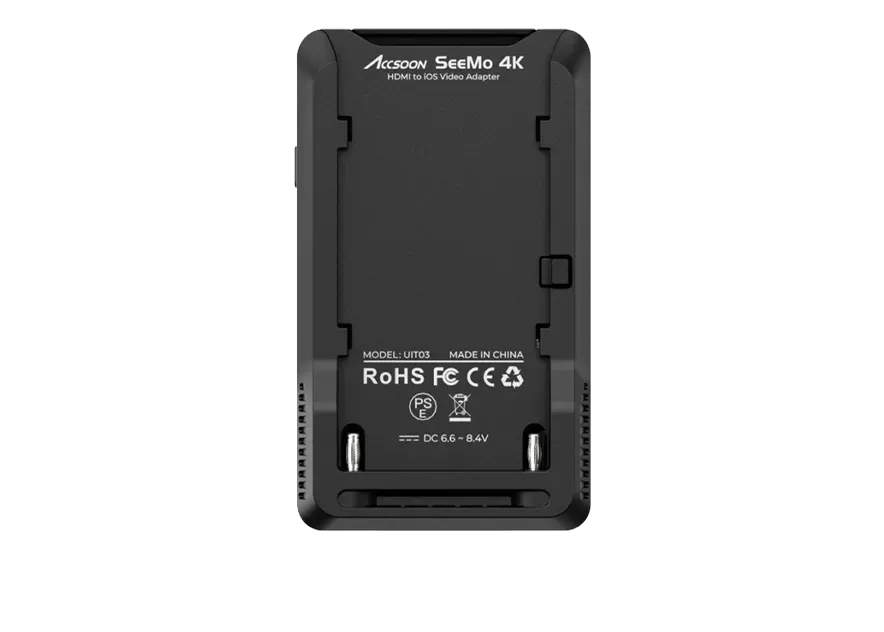


Build a compact, lightweight monitoring setup around your iPhone or iPad. Atomos Ninja Phone brings HDMI video into Mavis Monitor at up to 4K at 30fps, with support for 10-bit HDR. The Accsoon SeeMo range offers HDMI connectivity, with SDI input on SeeMo Pro. Choose SeeMo 4K for up to 4K at 30fps, or SeeMo HD and SeeMo Pro for up to 1080p at 60fps. Keep your kit portable and your monitoring tools close to hand, wherever the shoot takes you.
Pro Monitor
Pro Monitor Tools.
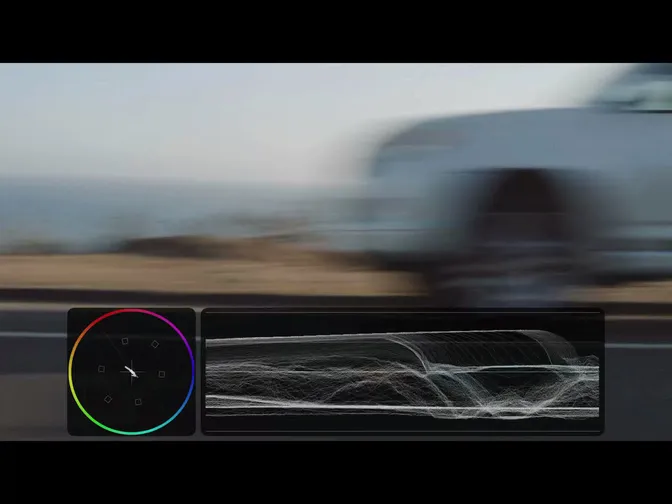
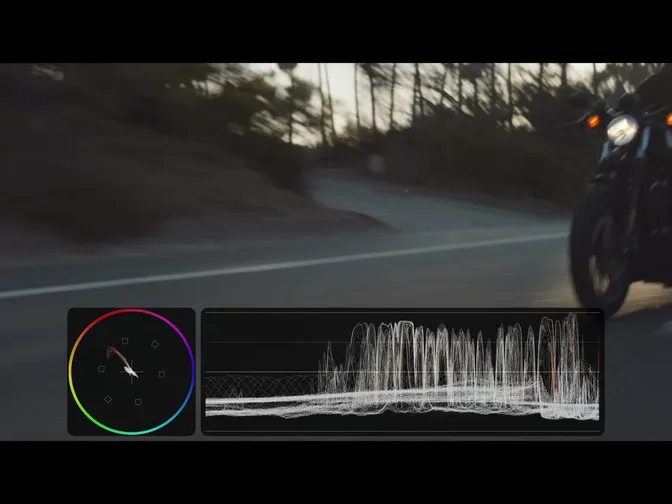
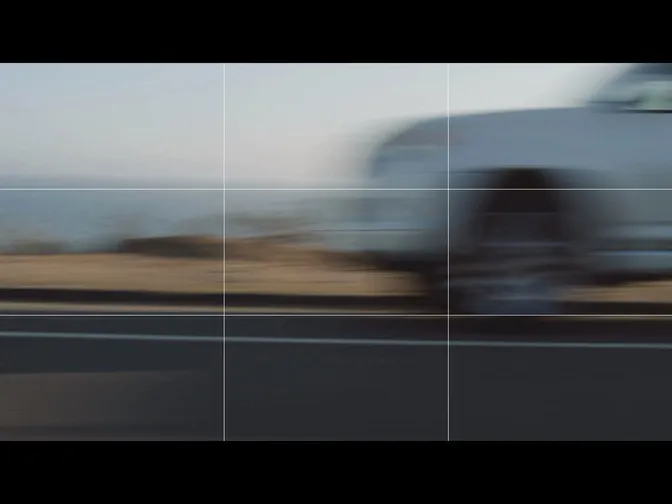
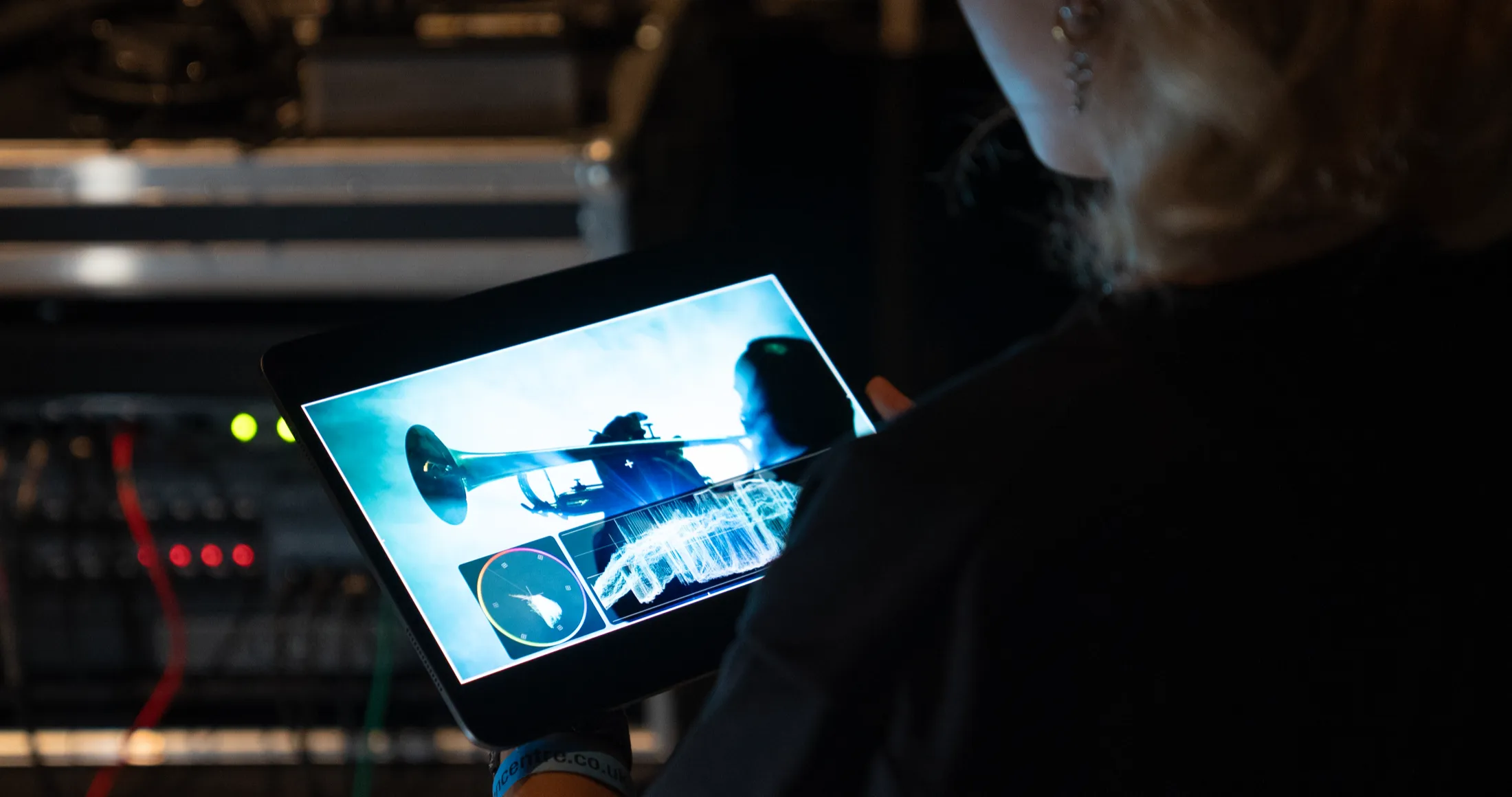
Mavis Monitor offers a complete set of monitoring tools to help you analyze any incoming source. Get a full understanding of focus, exposure and composition using tools including focus peaking, expanded focus, waveform, vectorscope, zebra, false color and anamorphic desqueeze. With tools such as guides, aspect overlay and image flip, checking a shot has never been easier.
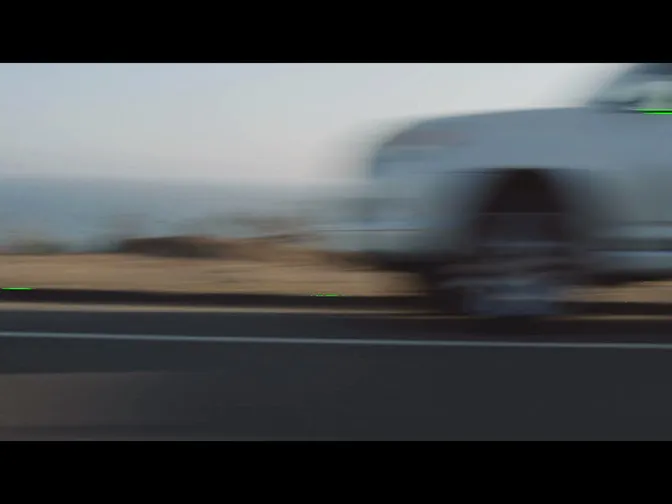
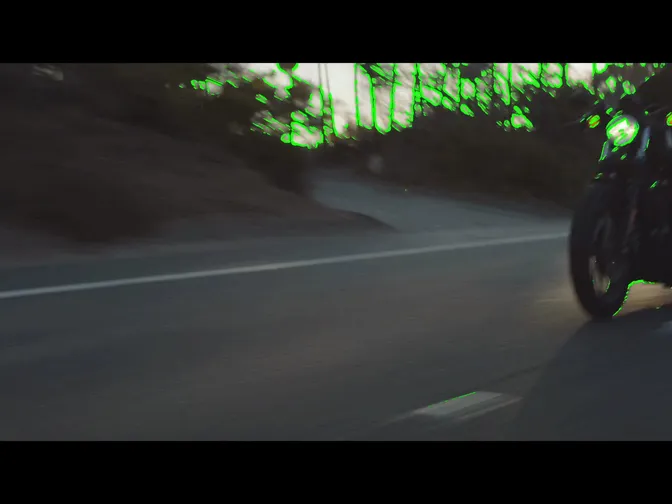
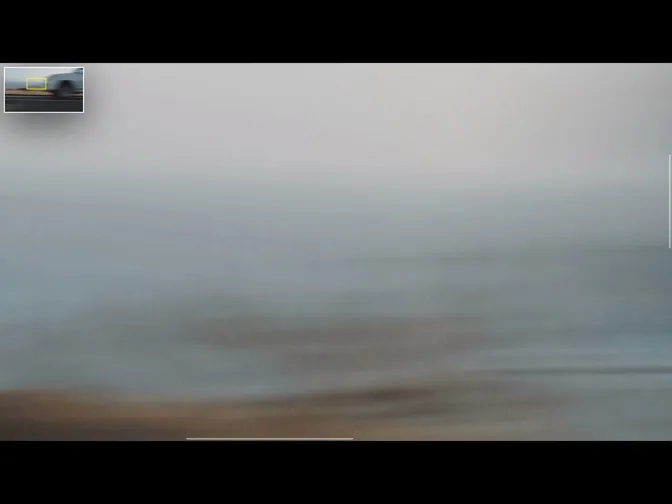
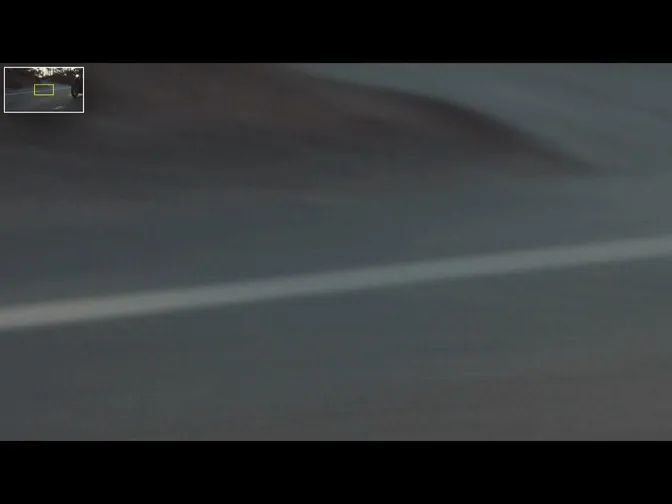
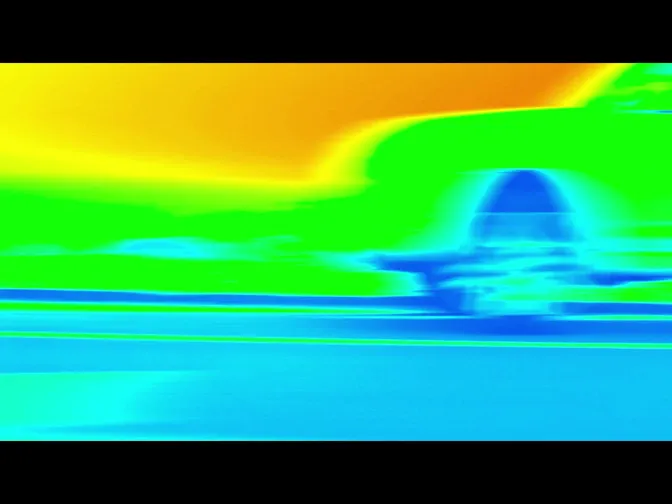
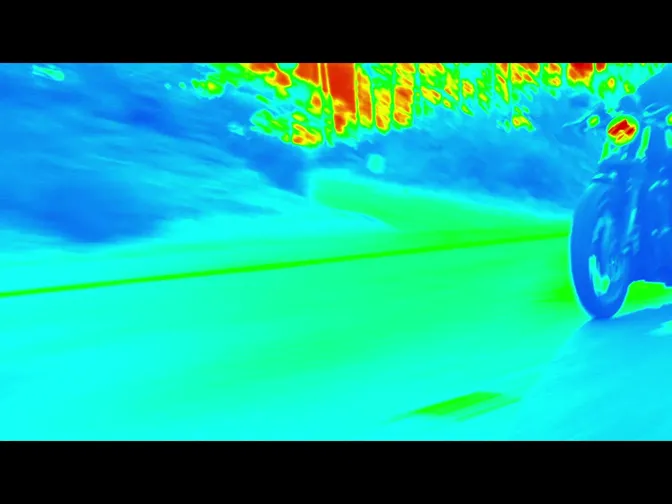
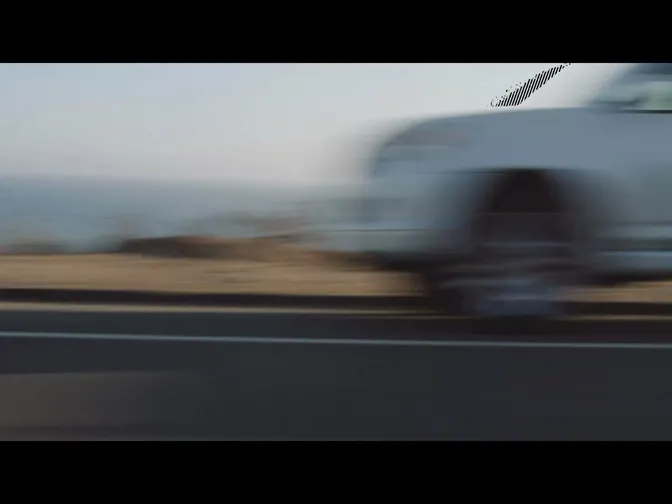
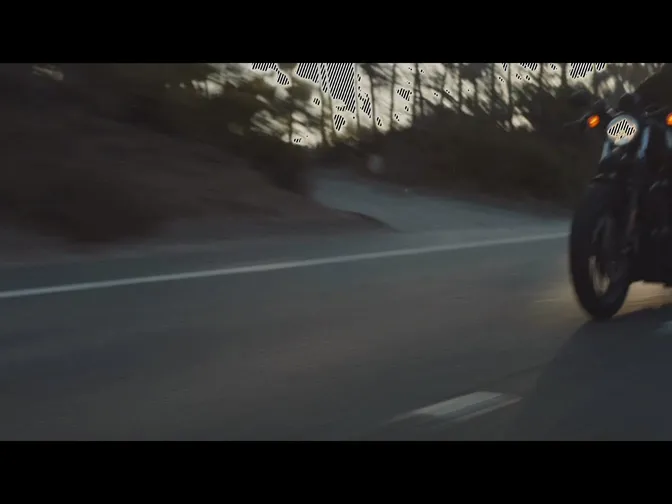
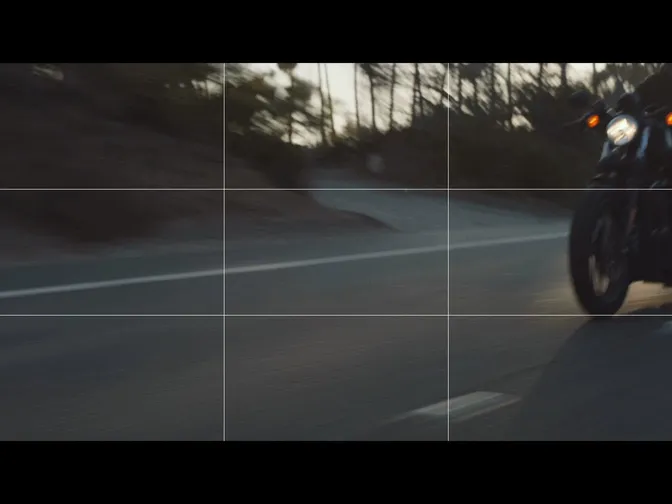

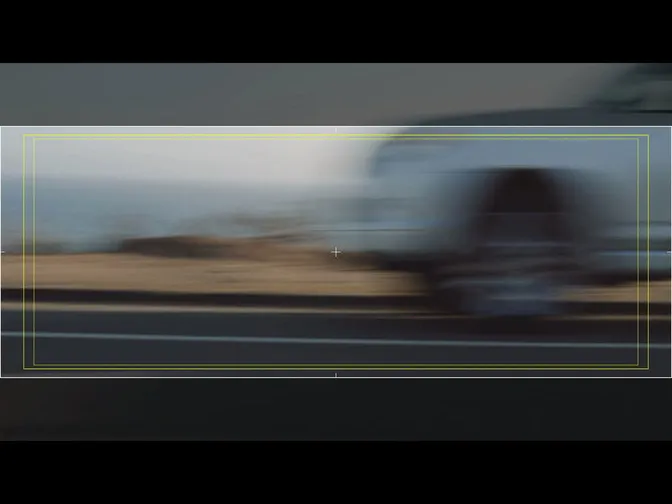
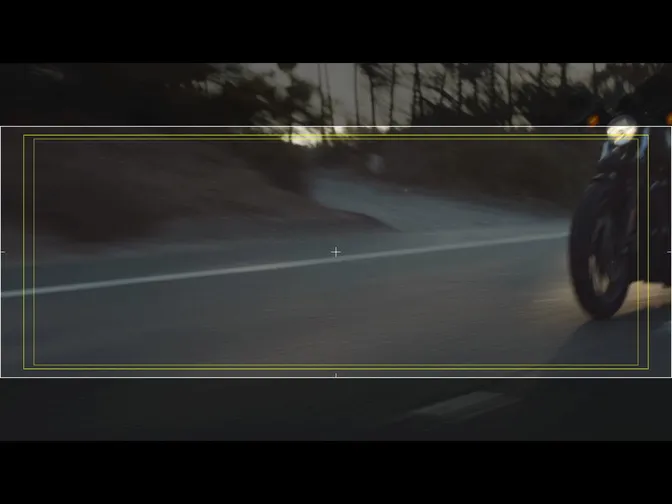
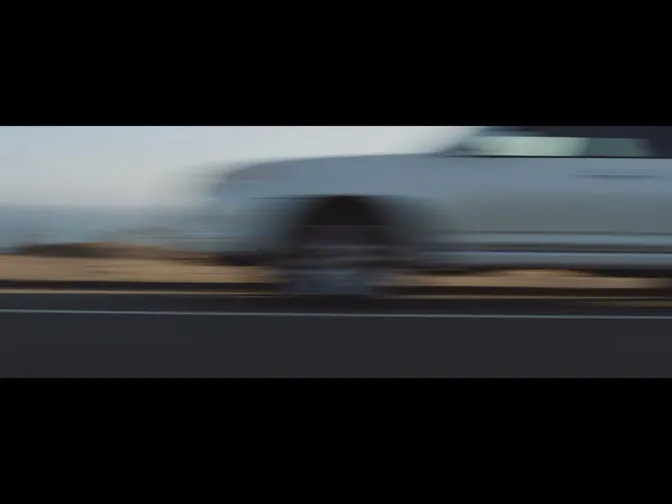
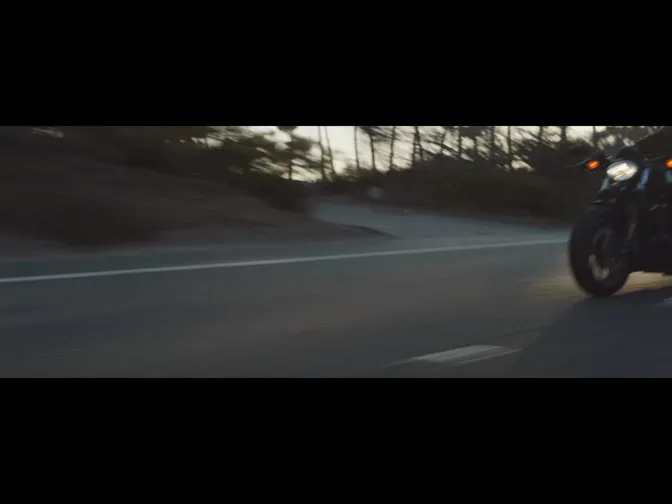

Highlight contrasted edges with a bright color to make it easier to determine which part of your shot is in focus.
Apple TV
Bigger & Clearer
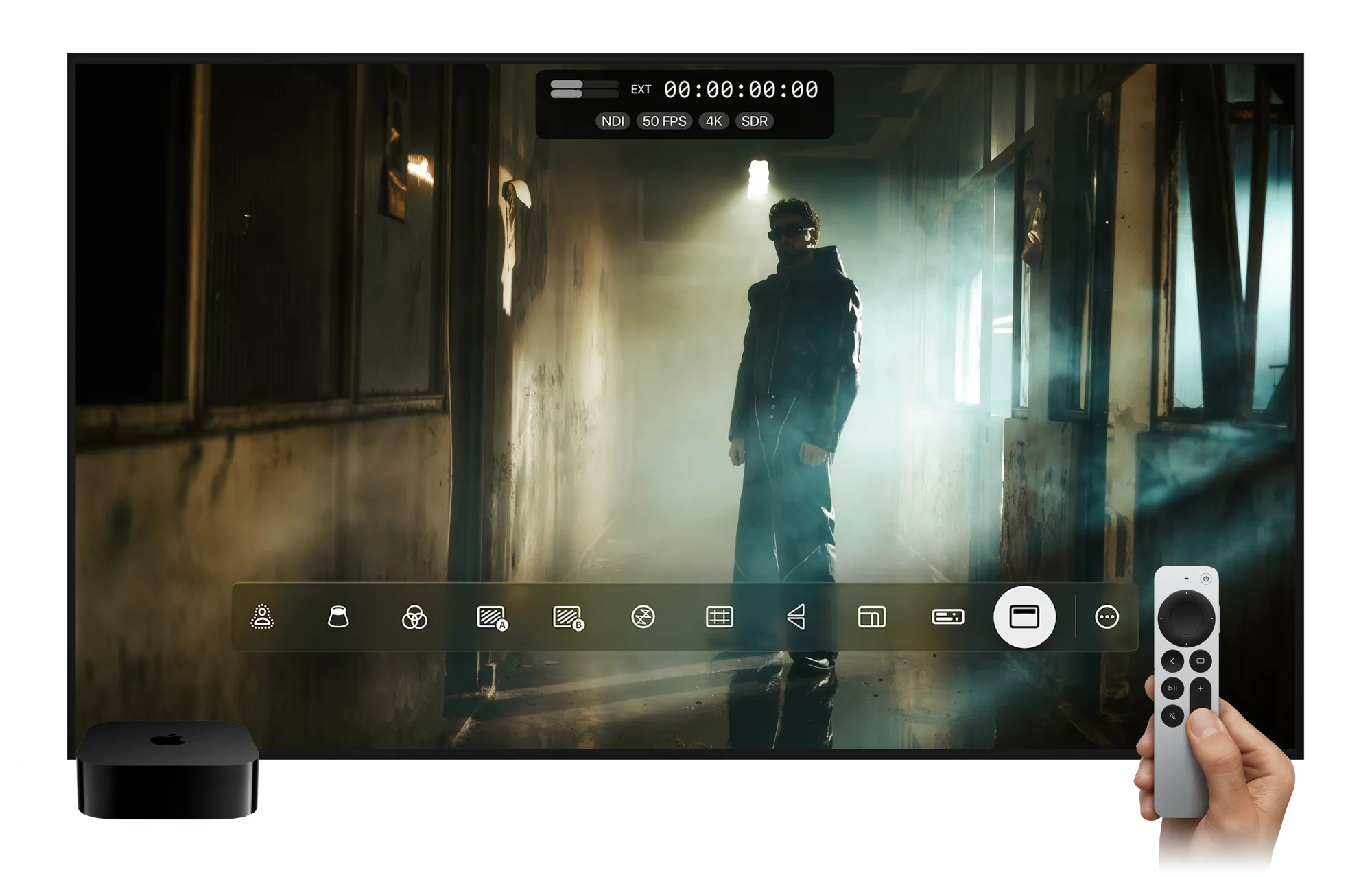
View your NDI signals on a large-format display with zero fuss. Mavis Monitor turns any Apple TV into a high-quality NDI monitor, ideal for studios, sets, or control rooms. Enjoy crisp video, instant setup, and professional-grade monitoring right on your television.
HDR & Color
A billion more colors
and shadows.
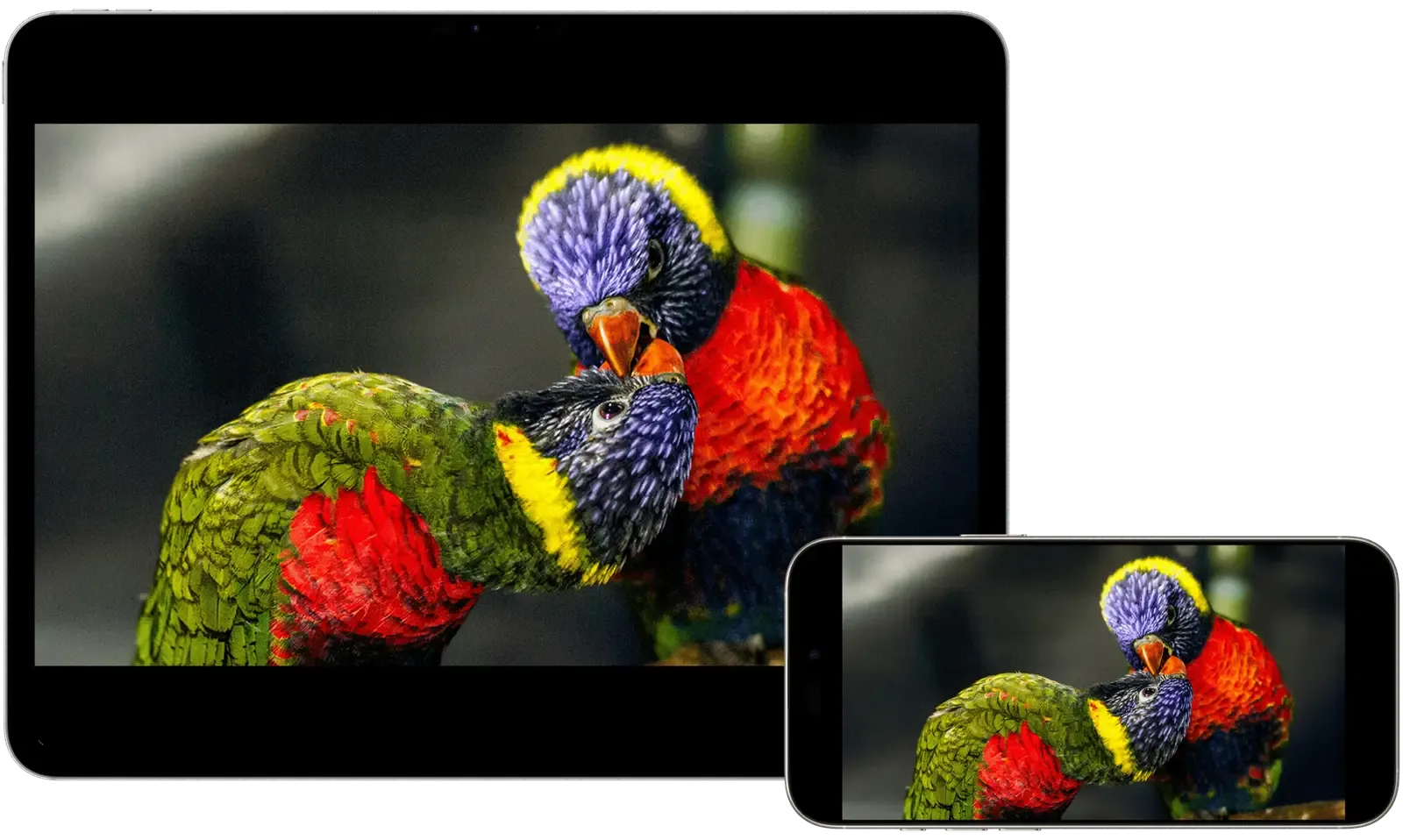
Unlock the full potential of your iPhone, iPad or Apple TV display, delivering true 10-bit HDR monitoring in real time. By combining Apple's advanced screen technology with Mavis' professional tools, you see your images vibrant, accurate, and virtually lag-free.
True 10-bit HDR pipeline
10-bit video means richer colors, smoother transitions, and precise highlights and shadows, without the harsh banding or flat tones of 8-bit. With 1,024 steps per channel and over 1.07 billion colors, you can monitor every nuance your camera records.
On Apple's XDR-class displays, this technology shines: wide-gamut HDR, ultra-low latency, and uncompromising monitoring precision. Mavis Monitor ensures you see the full depth, detail, and realism of your footage exactly as it was captured, straight from your camera.
Wireless
Untether your monitor.
Receive NDI HX3 video over Wi-Fi and move freely around set without running a monitor cable back to the camera. Give the director, DP and focus puller their own view of the same feed, with the freedom to monitor from where they need to be.
Versions
What’s new in Mavis Monitor.
Explore the features and workflows introduced in each release.
Pricing
Find the right plan.
Start free, then choose the features and purchase options that fit your production.
Free | NDI | |
|---|---|---|
| Price | ||
| Features | ||
| Apple TV native app | Included | Included |
| Pro Monitor Tools | Included | Included |
| HDR support | Included | Included |
| Accsoon SeeMo Pro SDI input* | Included | Included |
| Accsoon SeeMo 4K input* | Included | Included |
| Accsoon SeeMo HDMI input* | Included | Included |
| Atomos Ninja Phone HDMI input* | Included | Included |
| HDMI output | Included | Included |
| NDI Receive | Not included | Included |
| NDI HDR HX3 support | Not included | Included |
| Advanced NDI options | Not included | Included |
| NDI HX3 Certified | Not included | Included |
*Requires Atomos Ninja Phone or Accsoon SeeMo hardware accessory (sold separately). Not supported on Apple TV
Free
| Apple TV native app | Included |
| Pro Monitor Tools | Included |
| HDR support | Included |
| Accsoon SeeMo Pro SDI input* | Included |
| Accsoon SeeMo 4K input* | Included |
| Accsoon SeeMo HDMI input* | Included |
| Atomos Ninja Phone HDMI input* | Included |
| HDMI output | Included |
One-time purchase
Includes everything in Free, plus:
| NDI Receive | ✓ |
| NDI HDR HX3 support | ✓ |
| Advanced NDI options | ✓ |
| NDI HX3 Certified | ✓ |
*Requires Atomos Ninja Phone or Accsoon SeeMo hardware accessory (sold separately). Not supported on Apple TV
Frequently Asked Questions
Is Mavis Monitor free?
Yes. Mavis Monitor is free to download and use with compatible Atomos Ninja Phone or Accsoon SeeMo hardware. NDI monitoring is available through a one-time in-app purchase.
Which devices and cameras can I use with Mavis Monitor?
Use your iPhone or iPad as a portable monitor, or bring an NDI feed onto a larger display through Apple TV. Receive video from compatible NDI sources across your local network. For wired monitoring on iPhone or iPad, connect HDMI cameras through Atomos Ninja Phone or Accsoon SeeMo, or SDI cameras through SeeMo Pro. Available formats depend on your device and connected hardware.
Can I monitor wirelessly, and how much delay should I expect?
Yes. Receive NDI video over Wi-Fi and monitor from your own position without a video cable back to the camera. Mavis Monitor is NDI HX3 certified, with glass-to-glass latency verified below 100 milliseconds under certification conditions. Actual delay depends on your source, device and network. A strong Wi-Fi connection helps keep viewing responsive.
Does Mavis Monitor support HDR and professional monitoring tools?
Yes. Check focus, exposure and color with focus peaking, expanded focus, zebras, false color, waveform and vectorscope. Framing guides, aspect overlays and anamorphic desqueeze help you compose with confidence. Mavis Monitor also supports 10-bit HDR viewing and monitoring of up to eight audio channels on compatible setups.
What’s the difference between Mavis Monitor and Mavis Camera?
They’re separate apps, each designed for a different job. Mavis Monitor is dedicated to viewing, with a clean, minimal interface that gives your image maximum space while keeping professional monitoring tools close to hand. Mavis Camera provides tools for capture, recording and connected production. Use either independently, or connect them over NDI to view a Mavis Camera feed on a separate monitoring device. In-app purchases are specific to each app, including separate NDI upgrades.